Design Thursday #94
A weekly recap of everything you need to know about tools, events, guidelines and design in general.


Paper MCP
Let's start with probably one of the most exciting update of the week. Paper now has a desktop app, but also MCP support. Paper (which is still in alpha) previously stood out with its shader integration that you can copy and paste directly into code. But now with the deep MCP integration support, it makes it more like a design tool fit for the age of AI. You can connect it to your favorite AI tool where you can prompt to generate and edit design. Which brings the Canvas to your code base where you can go back and forth between layers and code. The results so far look pretty great; it can leverage all the best design skills from Claude Sonnet or Gemini 3.1, which makes the design look quite a lot better than most AI design tools since it’s written as HTML, so it's not constrained by any design tool limitations.
If you want to know all the details about the latest Paper features, here's an in-depth interview with Stephen Haney, founder of Paper.
Swarm mode in Pencil
It's a great time for MCP-powered canvas tools. While Paper just added MCP, Pencil already went a step further by introducing Swarm mode. It's a way to let AI design agents work alongside you, all at the same time. Just as you would jam as a group of designers in a Figma file, Pencil can now do it on its own.
LottieFiles updates
2 new features were added in LottieFiles this past week: native text support and motion tokens. Previously, you couldn't easily add text in your Lottie animations without workarounds. With this new text feature, you can. The second is motion tokens, just like you would use variables in Figma or code. These tokens aim to let you reuse animations with different data or motion. There are tokens right now for text, colors, gradients, position, scale, rotation, and opacity. You can override them with live data, similar to Rive's data binding.
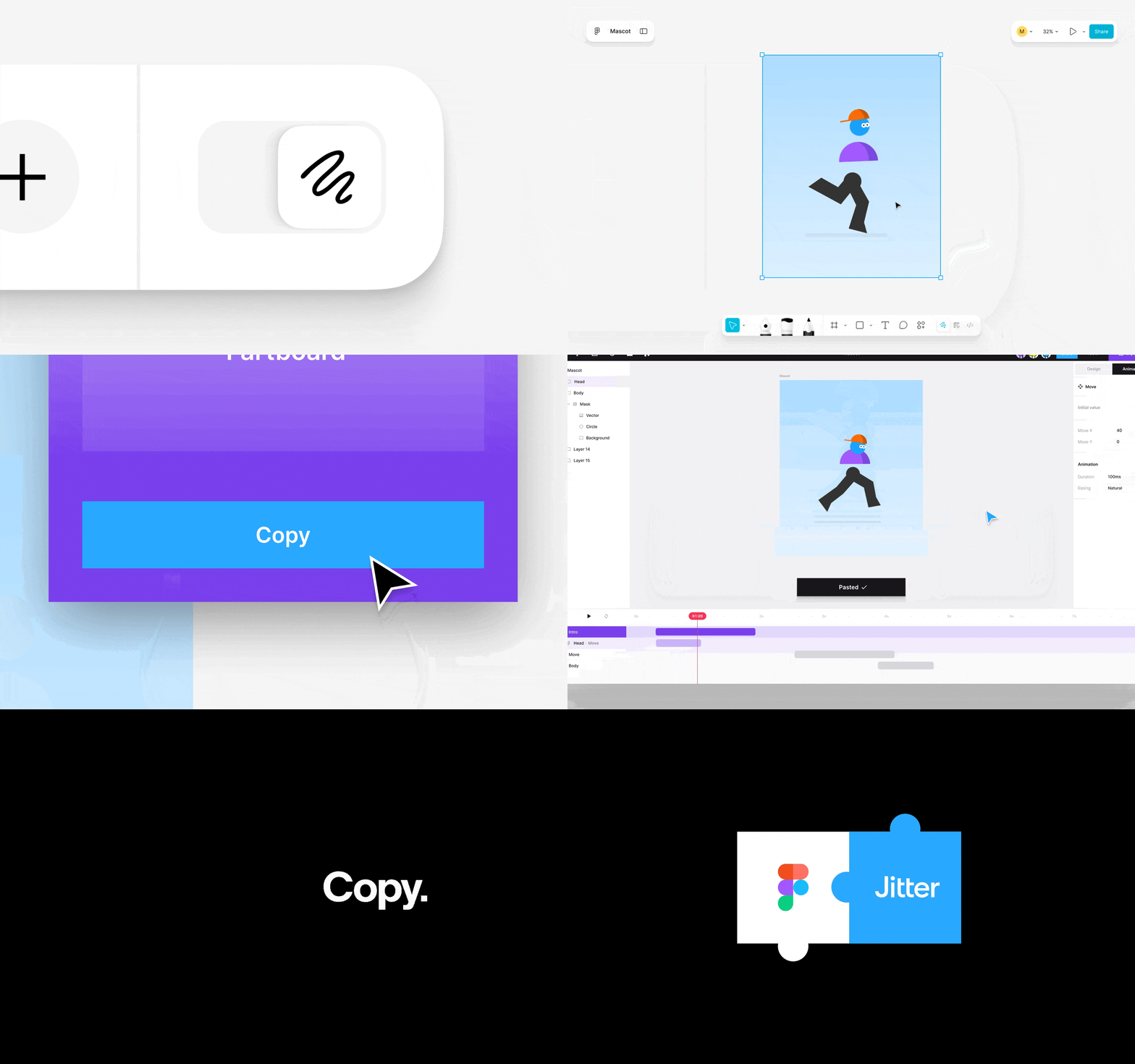
Jitter Figma Draw plugin
Figma Draw now supports plugins, and Jitter is one of the first to release them. The plugin lets you bring over your illustration work the way you designed it in Figma. So you can expect your variable strokes, brushes, and patterns all rendered perfectly. Allowing you to animate it as you wish.
New in Framer
Flow Effect in layout templates
Framer added the Flow Effect in layout templates to animate sections based on interactions or components. For example, collapsing an accordion, opening a menu, or showing an overlay. Great to add some more animated navigation into your website.
Dynamic CMS filters
You can now create customizable filters for CMS items on your website. This allows you to use search fields, tabs, toggles, dropdowns, and checkboxes to narrow down the results. The best part is that you can customize them to suit your style, making them look exactly how you want. For instance, you can create a color filter or use specific icons to filter content, like star ratings.
Google Flow
Google redefined Flow as "your personal AI Creative Studio", instead of the AI video maker it was before. You can now edit images with visual tools like the lasso selection that lets you prompt updates, mix images, and animate a static image.
Figma Release Notes
Figma streamed a new Release Notes update where it showed off some of the features released in the past few weeks and a couple of new ones that are available right now and coming soon.
First up is easier variable binding for colors. Before you had to click the color box, go to your variables and select one. This new feature lets you do it even faster. Just type your variable name in the text box, and you will see an auto-complete appear with your variables. Quick and easy, and a great time saver if you ask me.
The next update is plugin support for Figma Draw (as already shared in the Jitter update). This allows plugins to create/control text on paths, dynamic strokes, use brushes, and adjust variable path widths.
This one was silently released a few weeks ago: custom MCP connectors, next to the standard Figma Make integrations, you can now connect any MCP to Figma Make to bring more real-life data or context right into your prototype.
And for the last update: Slots are being rolled out starting March 5, so after an extended private beta, it's now being released as open beta for all Figma users.
Subframe Components
Subframe now lets you generate new components with AI. You can upload a screenshot of some component mockups and let it build those so you can design with them. They can look at your existing design system and make sure they reuse the same styles. It will automatically create variants, props, and slots, so you can start designing faster with components that are actual React code.
Sparkbox Unconference
Sparkbox held its Unconference last week and published all the talks to YouTube. The main topic, as you might have guessed, was of course AI. Some topics were: Design Systems, UX Research, and going beyond vibes with AI.