Design Thursday #88
A weekly recap of everything you need to know about tools, events, guidelines and design in general.


Rive updates
AI Coding Agent
Rive's new AI feature is available now, which can help you generate Lua code in the Rive editor via scripting. This will allow you to build interactive experiences like games or an F1 leaderboard, for example. With this, Rive is starting to look more and more like the old Flash days. Everything is coming back around, kids.
Good to know: there is a credit system in place which is included in every paid seat, and you can get additional credits soon.
React Native v0.1.5
Rive released the latest version of their React Native package, which brings full data binding support so you can now use all properties like images, lists, artboards, etc.
Framer On-Page Editing 2.0
Framer added some new features for on-page editing. Here are a few of them:
- You can now move the edit button so it isn't in the way of your content.
- Content can be rearranged by dragging it to a different spot, great for moving an image or paragraph to the left side instead of the right. There are some safety guards so your site doesn't get messed up.
- Click an icon to quickly select a different one from your icon set.
- Select a different variant of components.
- Edit localized text in different languages.
Figma for Jira
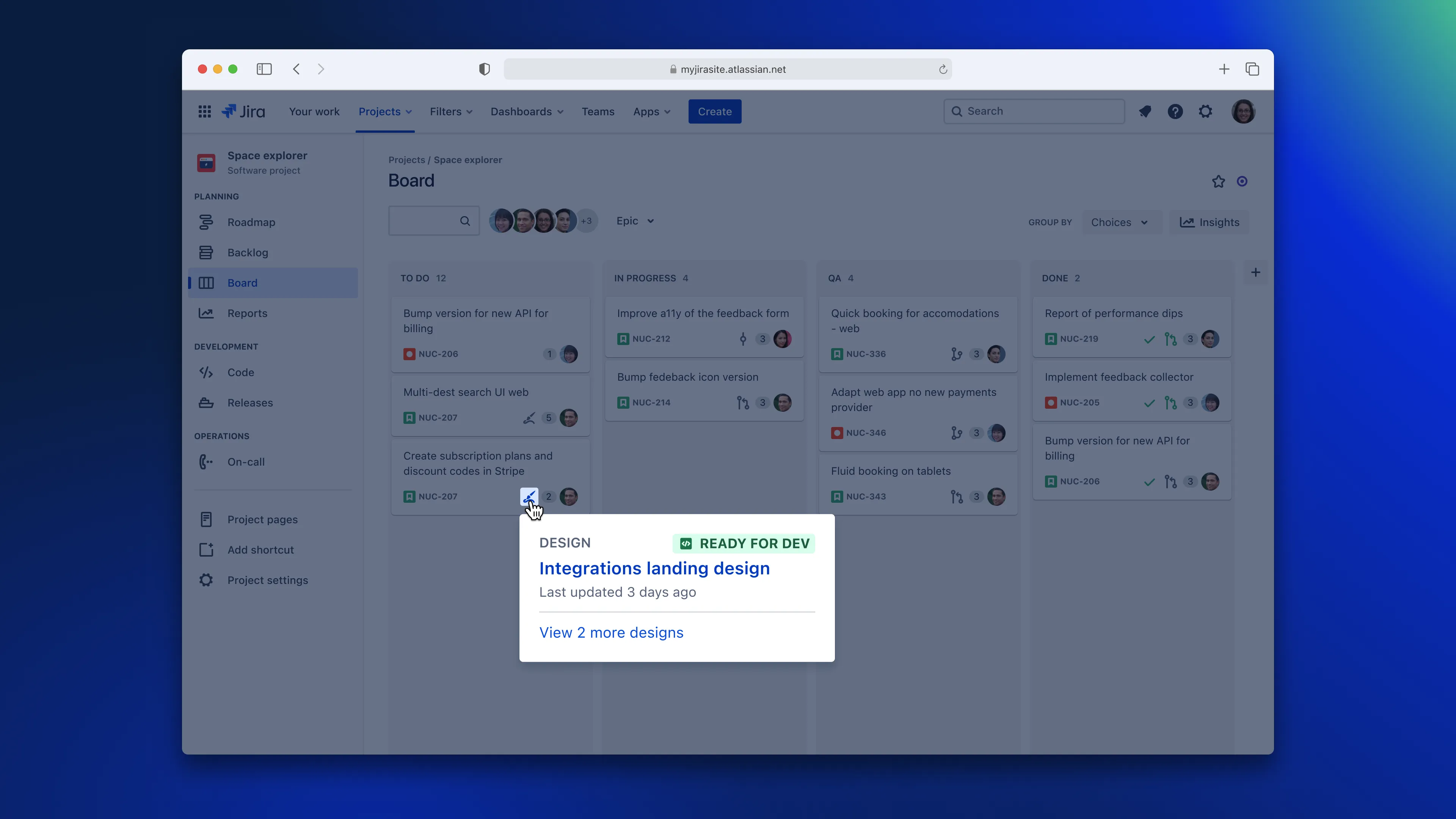
Figma's Jira integration has been updated with webhooks so you can now receive instant design status updates in a Jira ticket. For example, if you mark a design as "Ready for Dev," it will be updated in the ticket. It's currently not working yet for existing links, so if you want to start using it, relink your design, and you should be good to go.
Read more about Figma for Jira
Midjourney Niji v7
Midjourney released a new version of their Niji model, which is a model specifically created for Asian art and anime. In a blog post, they break down the difference between the previous and new model, which shows quite a big improvement. The images show more detail, better drawing skills, and follow instructions more precisely. This model probably isn't that useful when building products, but it's fun to play around with.
Play Color Panel
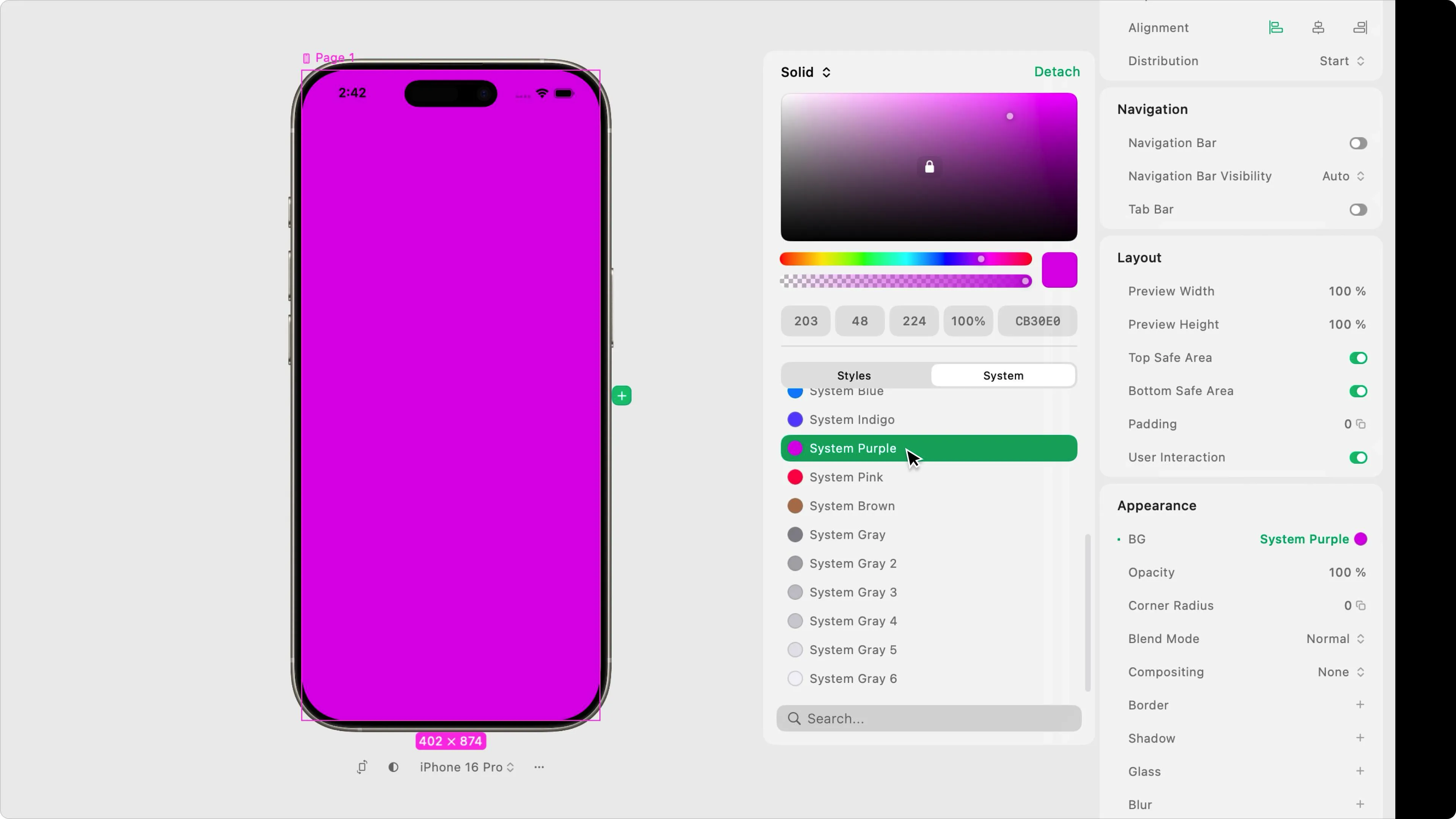
Play has a small update: a new color panel. It lets you select and manage colors. You can choose between system colors (which are the default iOS colors) and styles defined in your project. Here you can also manage them by detaching, editing, or creating new styles. A minor change, but quite useful when creating a new color system.
Don’t Start with AI, Start with the Problem
NNGroup's videos might not be for everyone, but this week they posted a good reminder when building products. Don't just implement AI because you can, but look at what problem it will solve.
Dessn
When we last shared something in Design, it wasn't available to try yet, but now they have a trial available. It's a prototyping tool that lets you build starting from a production codebase. In the latest Dive Club video, the co-founders of Design (Gab & Nim) go in-depth on how it works.