Design Thursday #121
A weekly recap of everything you need to know about tools, events, guidelines and design in general.


Framer Skills
Framer introduced Skills, a new way to teach the Framer agent how you work. You can save instructions for your design system, writing style, or CMS workflow and reuse them across tasks, and reference @pages, @components, and @styles so the agent sticks to your direction while you keep control on the canvas.
To create one, just type /skills, or ask the agent to capture the decisions from a page or piece of copy you just refined together. Skills stay attached to a project even after someone remixes it, so template creators can now bake in guidance for adding new pages and content without breaking the original design intent.
Rive updates
A few editor updates this week that are worth knowing about:
- Hug past bounds: a layout set to Hug now gets a checkbox to let the hugged text or shape grow past its container instead of stopping at its size. Handy if you're data binding a text field that ends up taller than the artboard.
- Custom Properties on shapes and images: any drawable now gets its own Custom Properties section in the Inspector, keyable and bindable just like on groups.
- Freehand tool improvements: the Bucket tool now recolors gradient stops in place so keys and data bindings survive, and Stabilize no longer turns a quick stroke into a thin, straight needle.
- Editor uses far less GPU memory: closing a file now actually releases its textures, so long sessions with a lot of open files should stay fast instead of slowly eating memory.
Recraft V4.1 Flash
Recraft released V4.1 Flash, which they're calling the fastest image model on the market: 1.3 seconds from prompt to image. That kind of speed changes how a session feels, you look, react, and go again before you lose the idea you were chasing. It's also a fraction of the cost of V4.1, so running through a lot of variations stays affordable, and it keeps the Recraft look across photography, portraits, and concept art. There's also a new Refine button for when a direction is already right: it regenerates the image with V4.1 Pro at 2048x2048 to clean up small imperfections while keeping your composition, light, and decisions intact.
Figma node in Weave
Figma node connects the designs you've already built in Figma Design directly to your Weave workflows.
- Copy a frame from Figma Design and paste it into Weave to turn it into a workflow node
- Choose which text and image layers become workflow inputs, while the original fonts, layout, and styling stay locked in
- Use your existing designs and brand materials to generate campaign variations, localized assets, or new visuals and videos
- Sync changes from the original Figma file back into Weave to keep every connected asset up to date
Webflow MCP additions
Webflow expanded what agents can do through MCP. You can now let an agent:
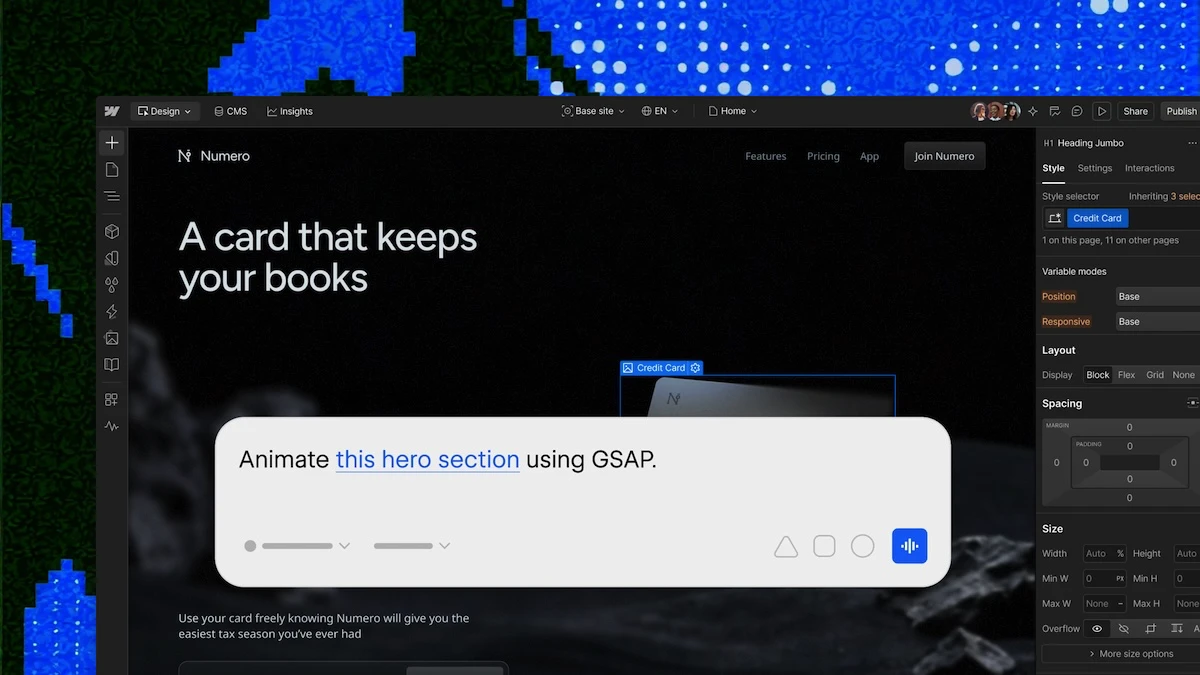
- Build and edit interactions (built on IX3 and GSAP) the same way you would on canvas, with scroll, hover, load, and click triggers
- Sort, filter, and page through CMS content, including custom and reference fields, in a single request
- Deploy, check the status of, and debug a Webflow Cloud app straight from your MCP client
- Manage the full branch lifecycle: pull main into a branch, merge it back, publish a preview to staging, and check for conflicts before merging (Enterprise plans only)
Geoff Teehan on navigating change
This week's Dive Club episode is with Geoff Teehan, co-founder of Teehan+Lax, a longtime design leader at Facebook, and now Chief Design Officer at Lightspark. He talks about navigating several cycles of tool and industry change, why he only plans to hire four designers at Lightspark, and the story behind his viral game Dialed. Worth a watch if you want to hear how someone who's lived through Flash, Sketch, and Figma thinks about the AI shift.