Design Thursday #120
A weekly recap of everything you need to know about tools, events, guidelines and design in general.


Elyx
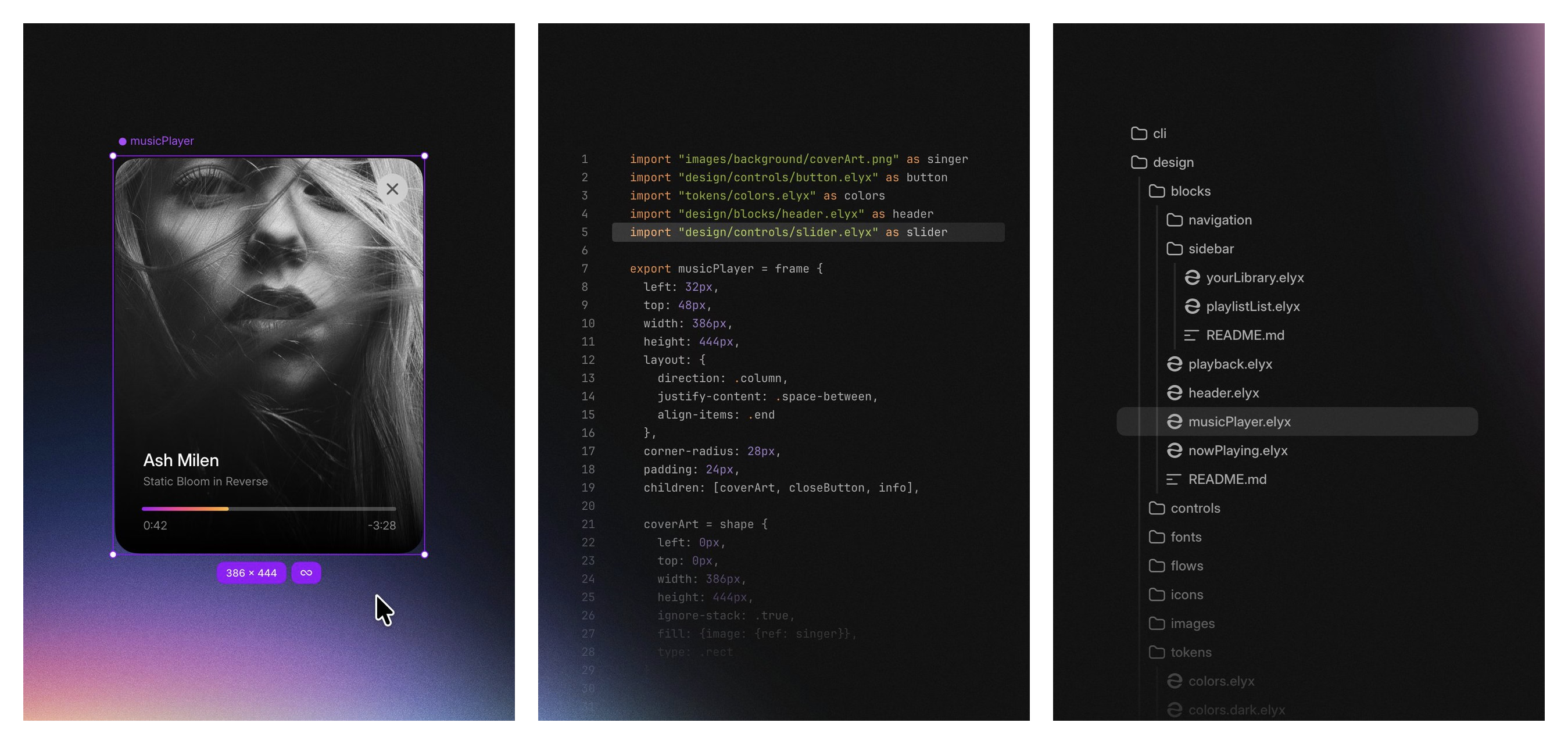
Elyx is a new design tool from the founders of Sketch, and it takes a completely different approach than what we're used to. Instead of one big document, your project is built up from small .elyx files: components combine into blocks, blocks into screens, screens into flows, and you can import any file into another one. Everything lives locally on your computer or inside your git repository, so you can version it, and run your own agent against it. The whole pitch is that design should have the same foundation code already has: readable, local files instead of renting access through someone else's prompt box.
Rive updates
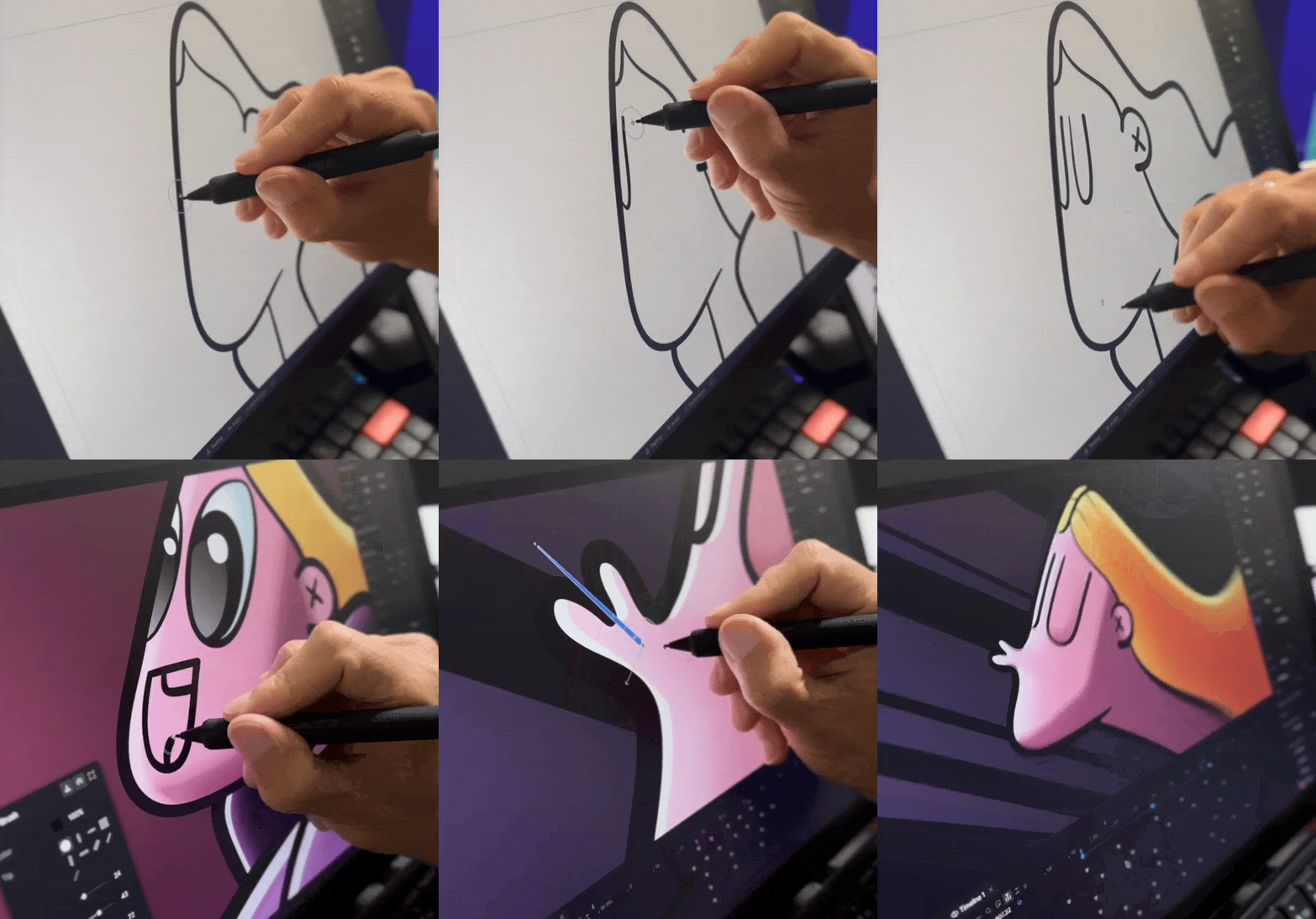
Rive shipped another big set of updates this week, with freehand drawing tools now available for everyone.
- Freehand drawing tools: Brush, Pencil, Eraser, Bucket, and Shape Bend let you draw directly in Rive, with pressure and velocity based line width, non destructive erasing, and stroke stabilization built in.
- Create Component inline: select objects inside an artboard and turn them into a component on the spot, instance and all, without breaking your undo history.
- Smarter text wrapping: a new Break setting controls how words wrap, and text now follows proper Unicode line-breaking rules for things like CJK text, hyphens, and no-break spaces.
There's also a long list of smaller fixes this update, like reordering listener actions and cleaner timeline scrubbing.
Quiver Arrow 2
Quiver released Arrow 2, their biggest update yet for generating vector graphics, and it's both faster and more deliberate in the choices it makes. Geometry comes out cleaner, with fewer nodes and less messy overlapping paths, and compositions now respect spacing and alignment without heavy prompt engineering. A few of the things it's built for:
- Illustrations: generate new variations from a reference that keep the same palette and shape language.
- Diagrams and technical drawings: highlight specific elements, like a targeted muscle group or a jacket's seams and panels, while staying consistent across variations.
- Vectorization: turn a raster image or hand-drawn sketch into a clean, editable SVG.
- Micro animations: animate existing SVGs for logo reveals, loading states, or animated icons.
Publish Weave tools to the Figma Community
Figma Weave tools can now be published to the Figma Community, so anyone can use the generative workflows you built with Weave directly inside Figma Design. It's a good way to turn a repeatable image or vector generation task into something shareable, or to browse what other people have already built. Publishing works for any output type, like video or 3D renders, but only image and vector generation tools can actually be used inside Figma Design for now.
Meet Claude Slides, Claude Design and Claude Docs
Claude Cowork and Claude's regular chat are merging into one Claude, and alongside that, Claude Docs and Claude Slides are launching in beta next to Claude Design. You can ask for a document or a presentation right inside a conversation, edit it directly, leave a comment for Claude to act on, or just tell it what to change. Everything you make lives at one shareable link, and you can export a doc or a deck to the format you already use, like PowerPoint or PDF.
Lottie Creator WebMCP
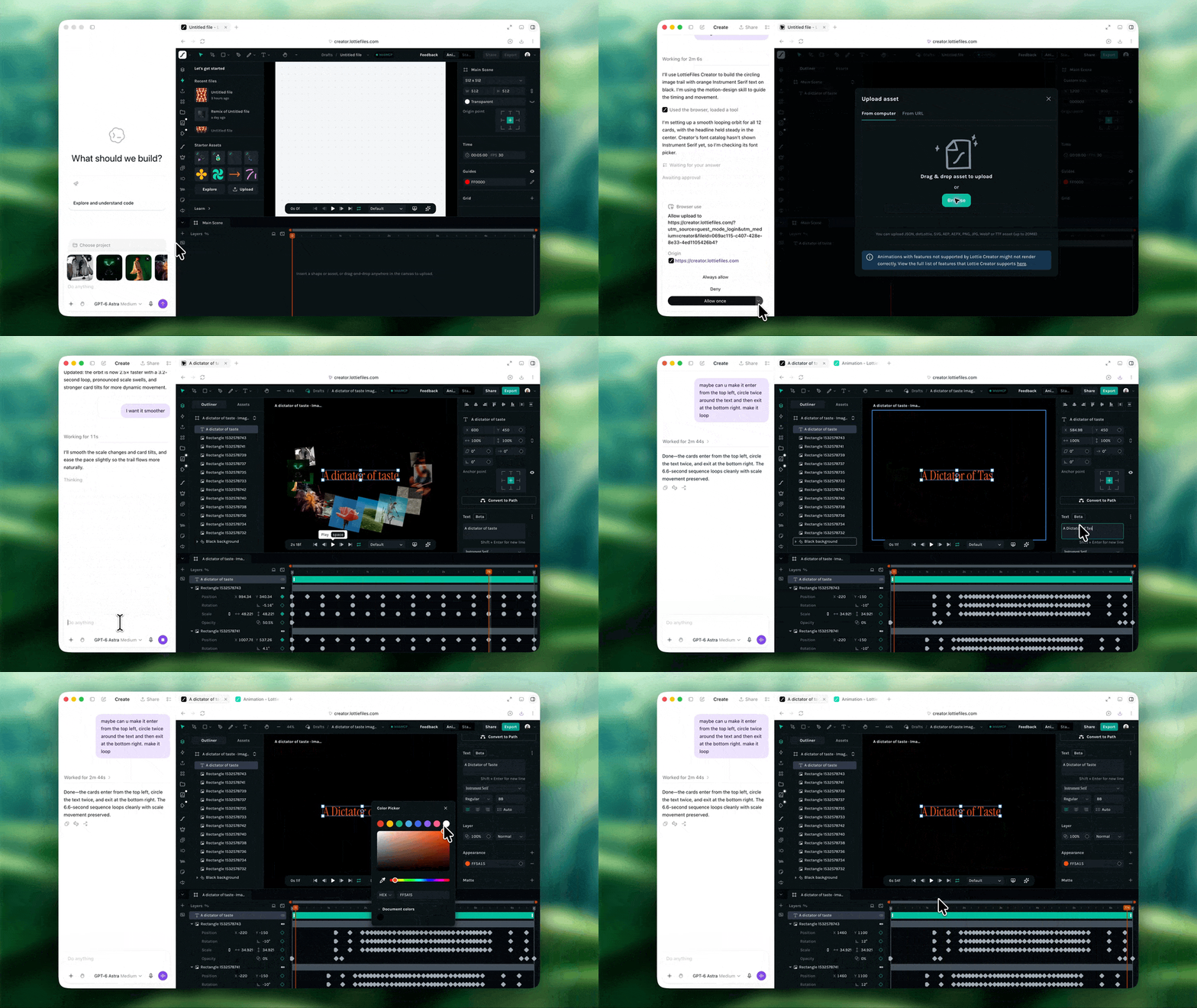
Lottie Creator now supports WebMCP, giving AI agents a proper, structured way to work inside your projects instead of scraping the screen or running one-off scripts. The most interesting part is CodeMode, which lets an agent write and run code against the Creator MCP surface directly, chaining multiple actions into a single call instead of firing them off one at a time.
iPhone Duo Group Lab
Apple ran a Group Lab this week with the engineers and designers behind iPhone Duo, and it turned into a genuinely useful session for anyone adapting an app for it. iOS 27.1 ships alongside the device on October 23rd, and Xcode 27.1 lands later this month with the SDK updates and a new Device Hub that supports all of Duo's poses. A few practical takeaways from the panel:
- Adopt the vertical bar: use a tab bar controller or split view controller and you get it automatically. A fully custom tab bar won't move there on its own.
- Adapt by size class, not orientation: the inner display doesn't honor locked orientations, so lean on size classes the same way you already would on iPad.
- Arrangement views: a new layout primitive that lets you use familiar concepts like an H-stack or Z-stack while automatically responding to how the device is folded.
- Only camera apps get both screens at once, and only while an active camera session is running. One example: a kids' camera app that shows the full picture on the inner display while something playful appears on the outer screen to grab their attention for a photo.
- Apps not yet built with Xcode 27.1 will just show up letterboxed, at roughly an iPhone mini aspect ratio, on both displays.
The overall message: don't try to design something unique for every pose. Get resizability, size classes, and system components right, and most poses will already look good.
Bringing artful expression into enterprise design
This week's Dive Club episode is with Nev Flynn, Head of Design at ElevenLabs, on bringing more artful expression into enterprise design. They get into why Nev is leaning into specialists over generalists, how ElevenLabs built a shader-based orb system to visually represent over 40 million unique voices, and how the team is trying to make its design system agent-native as more non-designers start designing with AI.