Design Thursday #118
A weekly recap of everything you need to know about tools, events, guidelines and design in general.


Webflow Conf 2026
Webflow started their yearly conference yesterday, and there was a ton announced. During the opening keynote a lot was announces, here are some of the highlights:
- Source: a new platform that plugs into your existing codebase, CMS, martech stack, and hosting, so it also works with sites you already built on Webflow. Everyone on the team gets their own workspace. Marketers, designers, developers, and agents each see the tools and permissions that make sense for their job. Because agents work directly in the actual code instead of some abstraction layer on top of it, they can handle bigger, more complex changes on their own. They'll also proactively spot things worth fixing, like an SEO issue or a test worth running, and drop the drafted work in an inbox for you to review. You can even leave a comment directly on the canvas and have an agent pick it up and turn it into a finished task.
- Campaigns: takes performance marketers from a brief to a live landing page, personalized variants, and matching ads in hours instead of weeks.
- Assets: an agentic way to create and adapt on-brand creative, built on tech from their Vidoso acquisition.
- MCP 2.1: agents can now build GSAP interactions from a prompt, query CMS content more precisely, and get Webflow Cloud deploy errors surfaced directly so they can fix and redeploy.
- Releases: lets bigger teams branch an entire site (pages, CMS, components, assets, locales) to stage major launches before publishing.
- Webflow AEO: new content agents that find topics where your competitors get cited and you don't, then draft the content straight into your CMS.
- Agent Instructions: Webflow can now generate the context files for your agents automatically, based on what's already on your site.
- Agent Presence: shows you where an agent is working live on the canvas, just like you'd see someone else on the team.
Figma: updates to generative plugins and shaders
Figma lets you now do more with custom generative plugins and shaders. Shaders can now be animated and reactive to mouse movement, and you can also publish your generative plugins and shaders to the Figma Community or organization. There's also a new code viewer to see and download the code behind any shader or plugin you've built. And external agent can view and edit both via Figma MCP.
Rive updates
As always, Rive shared a lot of updates this week here are a few worth knowing about. Semantics (accessibility) are now supported on Android, which means Rive now supports accessibility across Android, Flutter, and iOS. The AI Agent also got a nice workflow upgrade: you can now attach exactly what you're working on to a prompt, like a canvas selection, an asset, or a specific piece of script, so the agent knows exactly what you mean. And if you work with large files, saving got a lot faster too, a 25MB file that used to take 72 seconds now saves in about 3.
Hana V2
Version 2 of Hana was released, Spline's 2D canvas tool, which include quite some updates:
- MCP support: external AI agents can now design directly in Hana's canvas.
- New AI agent: create UI designs, sites, and app screens with chat prompts, or edit existing content.
- WebGPU: the editor now runs on WebGPU by default.
- Imports & exports: full GLTF/GLB import support, SVG and PDF export, and Adobe Illustrator file imports.
- Better vector editing: a grid layout maker, distance and gap helpers, and a contrast checker for accessible color combos.
- Plus over 20 new transition and easing types, and a long list of performance improvements.
Stark updates
Stark rolled out a completely revamped data pipeline with a refreshed report UI and big performance improvements. On top of that:
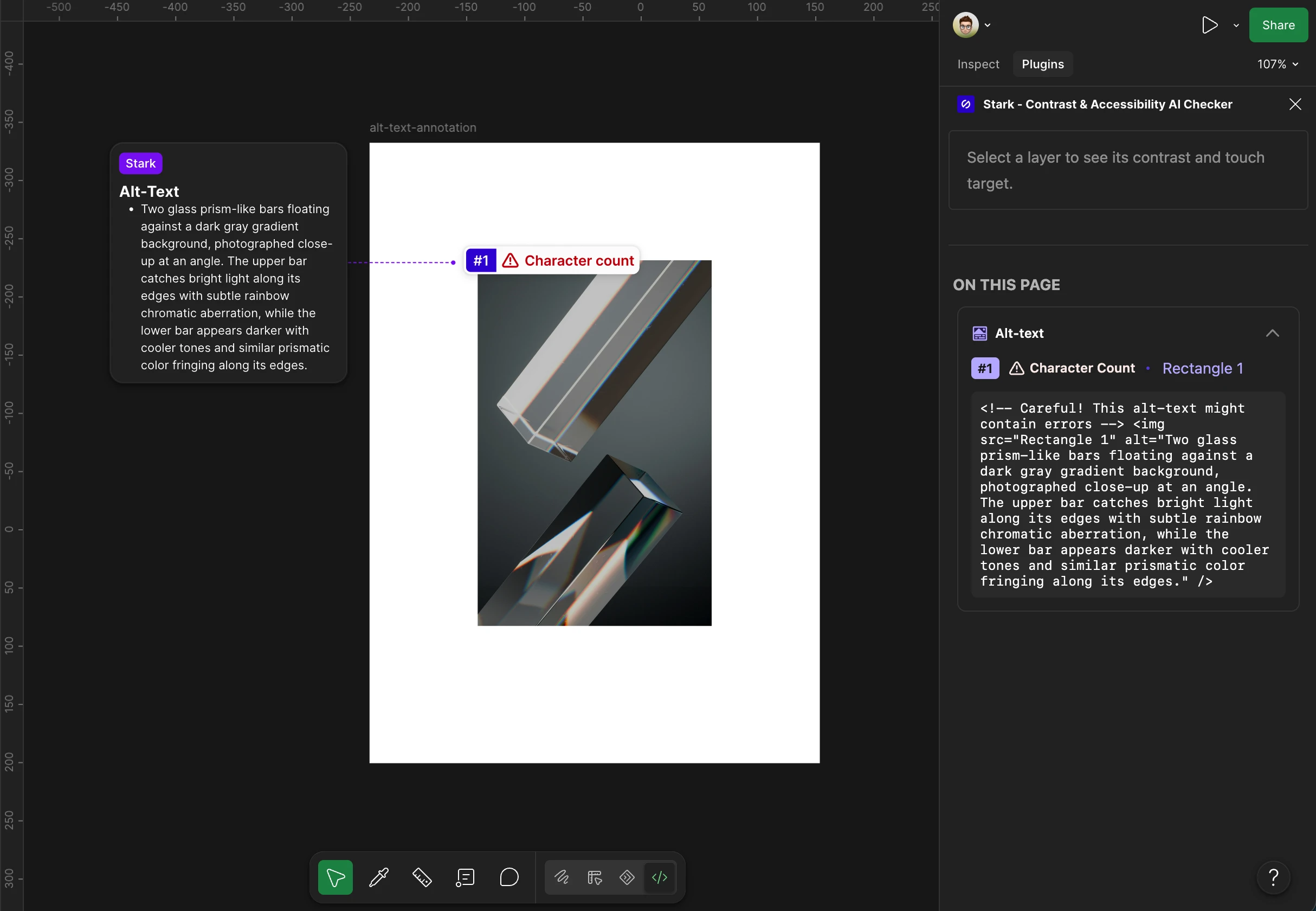
- Figma Dev Mode: access all of Stark's annotations from the plugin menu, get quick accessibility checks like contrast and touch target sizing on a selected layer, and see code snippets in Swift, Kotlin, and React Native if a layer has annotations. There's also new support for the Figma VS Code extension.
- Faster auto-annotations: Focus Order, Landmarks, Accessibility Notes, and alt-text captioning all run much quicker now.
- Component Masters: Figma scans now work on them directly, no need to wrap them in frames anymore.
- Vision Simulation Generator: now runs on any images found in your Figma design.
Adobe for Slack
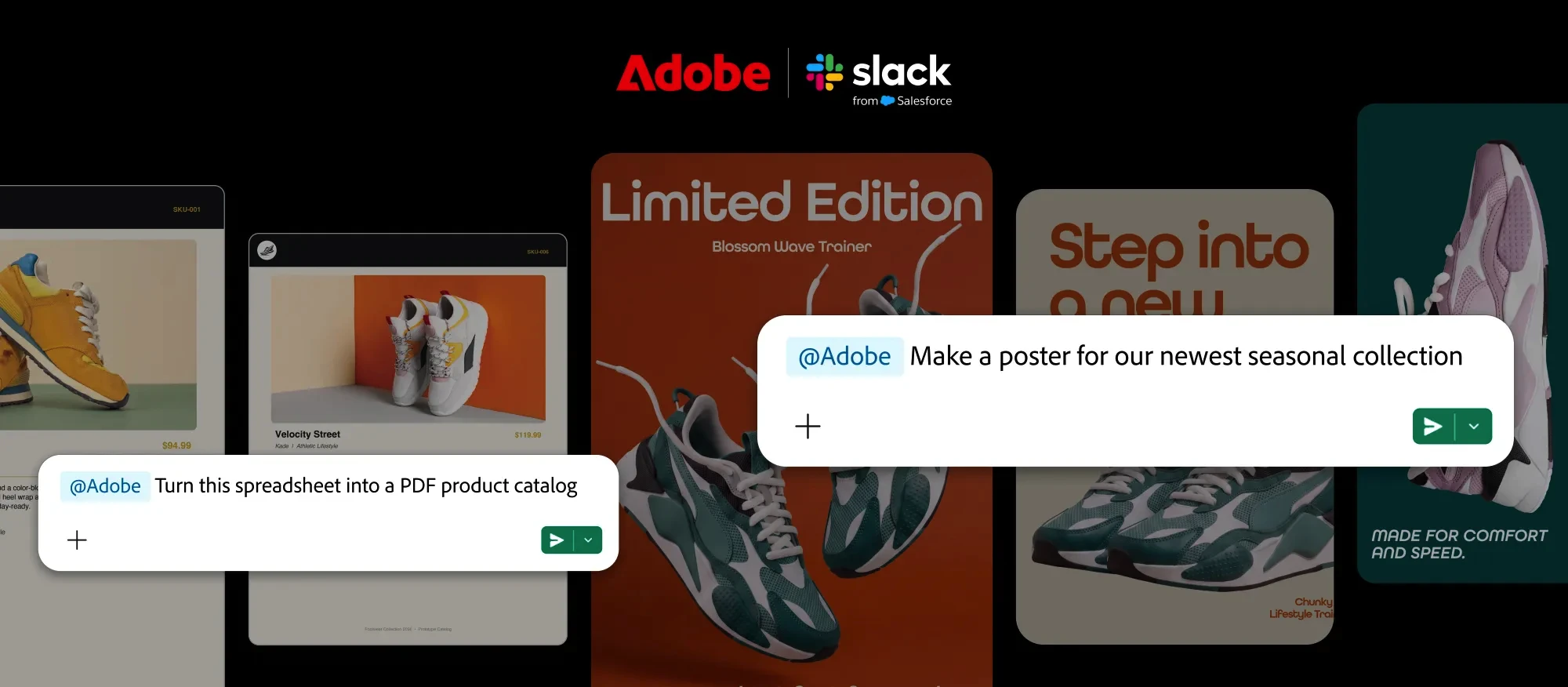
Adobe launched Adobe for Slack, bringing over 70 tools from their creative suite, including Firefly, Photoshop, Premiere, Acrobat, and Illustrator, directly into Slack. You describe what you want to Slackbot, and it calls on the right Adobe tool to help, pulling in context from your channels, files, and Canvases when needed.
Midjourney Edit Model for V8.2
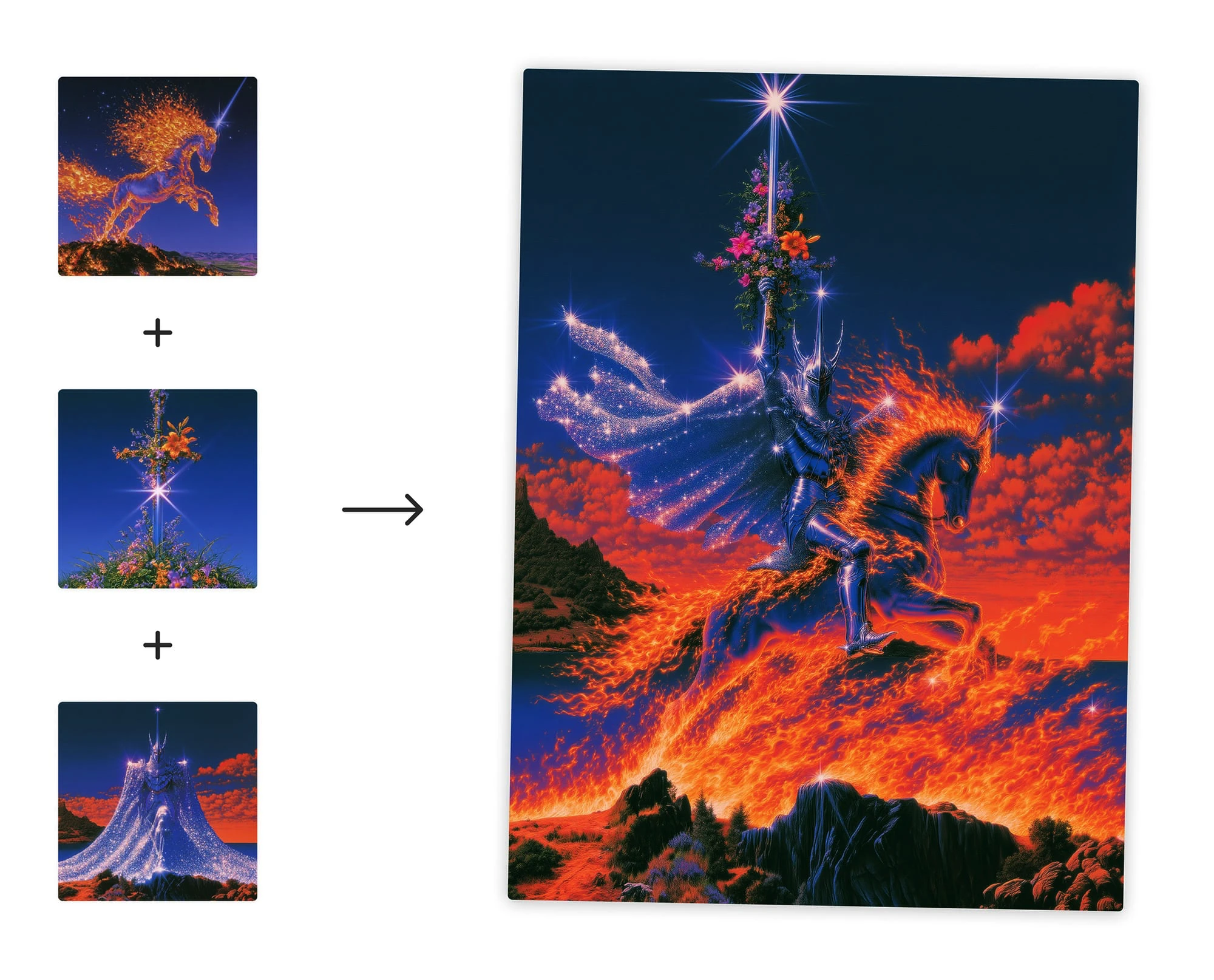
Midjourney is letting everyone test their first V8.2 image edit model. You can edit images with instructions, generate images using up to 4 image references at once, and inpaint or outpaint to change specific areas or expand your canvas. It also supports personalization, moodboards, and style references. You can try it by dragging an image into the prompt bar, using the edit tab in the lightbox, or with the --edit command on Discord.
The story of Evil Rabbit and designing Vercel
This week's Dive Club episode is with Evil Rabbit, founding designer at Vercel. He goes through his design journey, starting with his first job at 12 years old in Argentina, and shares how Vercel's Creative Studio team operates today, plus what he learned working closely with Guillermo, Vercel's CEO. He also talks about the shift from designing static assets to building internal tools, and shares Lifeline, a personal timeline he built with an agent in a couple of days and then open-sourced.