Design Thursday #117
A weekly recap of everything you need to know about tools, events, guidelines and design in general.


Figma
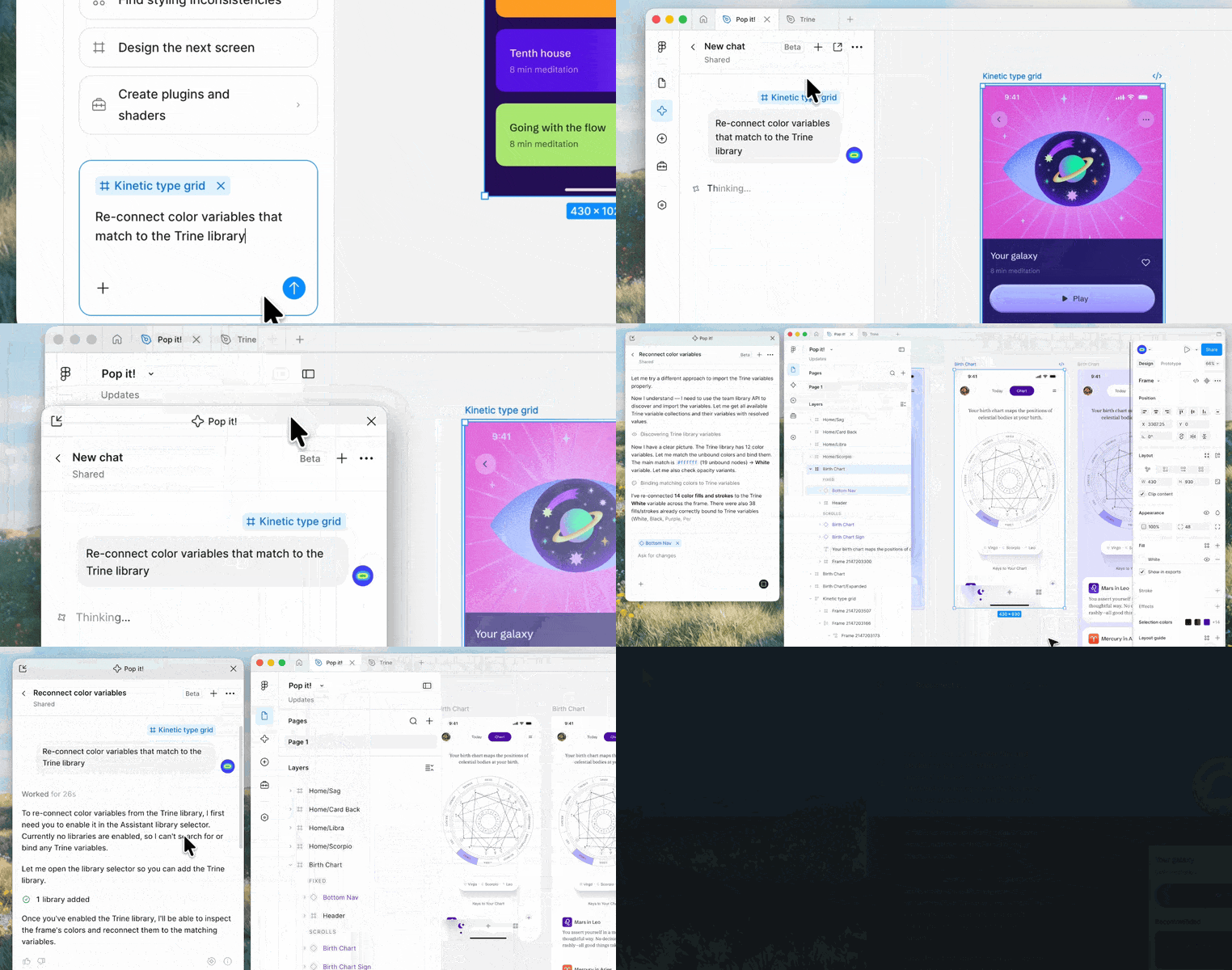
Agent chat in its own window
You can now pop the agent chat panel out into its own window on the Figma desktop app, for both macOS and Windows. Move it anywhere on your screen and it stays visible while you switch tabs or work in other tools. No more losing track of a conversation because you clicked away.
Erase and drag to fill for vector editing
Vector editing gets two new hands on tools. The Eraser tool lets you erase parts of a vector path or shape directly, adding editable points along the erased area, while drag to fill lets you pick a color or gradient and drag it across multiple regions to recolor them at once. Grab the eraser with Shift+E in vector edit mode or Draw mode. Good to know, erasing doesn't split a vector into separate layers, you'll still need Split vector for that.
Responsive spacing across design and CSS
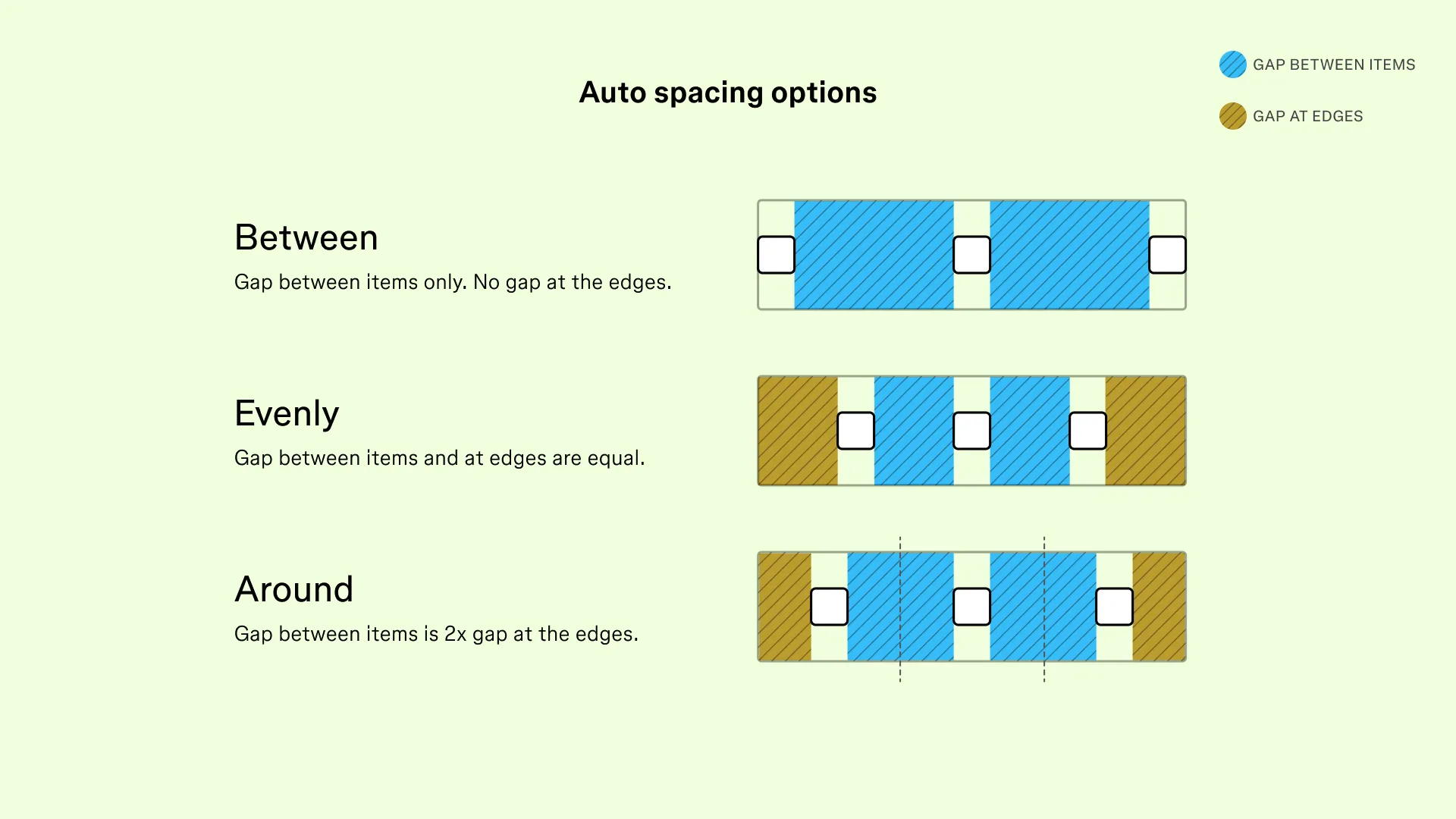
Auto layout's spacing options now match what CSS already supports. Between keeps the old default behavior (even gaps, nothing at the edges), Around adds half a gap at each edge, and Evenly makes every gap identical including the edges. Small change, but it kills a lot of manual spacing workarounds.
Sketch Florence (2026.3)
Sketch's third major update of the year, called Florence, focuses on Stacks and effects. You can now set min/max sizes on stacks and stack items, use relative percentage sizing, apply negative spacing, and control z-index order for overlapping items. Effects and shadows got more flexible too: blurs now work on groups, frames without fills can carry multiple drop shadows, and you can combine glass and fade effects on the same layer. This update requires macOS 15 Sequoia or later, so macOS 14 support is dropped.
Rive
A big update across editor, MCP, and runtime. The most fun part: Finder integration on macOS gives .riv and .rev files a document icon, and hitting spacebar plays the animation right in Quick Look, with working state machines and data binding. On the MCP side, agents can now create and reuse data converters, add list index properties, create groups the same way Cmd+G would, and play a state machine while reading back the full trace. Smaller but welcome: search in the Animations panel, easier to click keyframes, and a proper single undo for creating an animation, state machine, or folder.
Spline V2
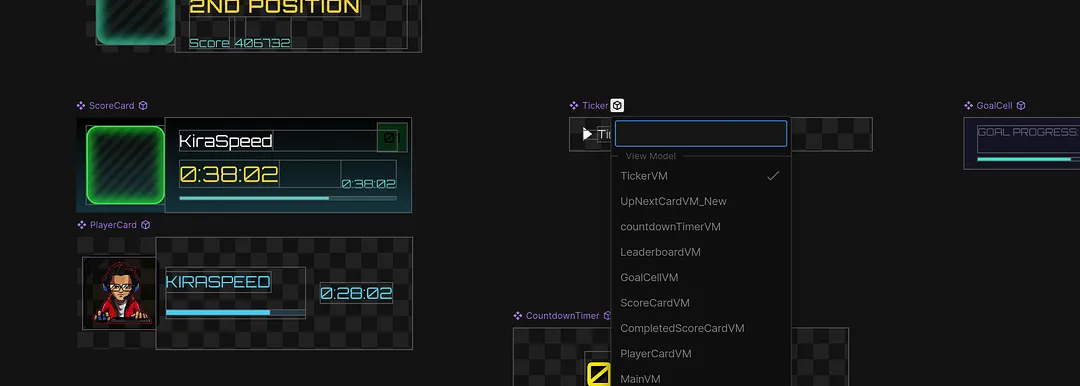
Spline rebuilt its 3D editor for the agentic era. External agents like Claude Code or Cursor can now drive the editor through MCP, and there's a built in AI chat agent that can generate or edit entire scenes, objects, materials, lights, and interactivity, all fully editable afterwards. There's also a new Code tab where HTML/JS can read and modify scene data at runtime. On the rendering side, Spline moved to a WebGPU renderer with PBR materials, screen space reflections, and roughly 4x faster boolean operations. UI Scenes and Frame Mode are deprecated in favor of the new HTML/code approach.
Recraft V4 Styles
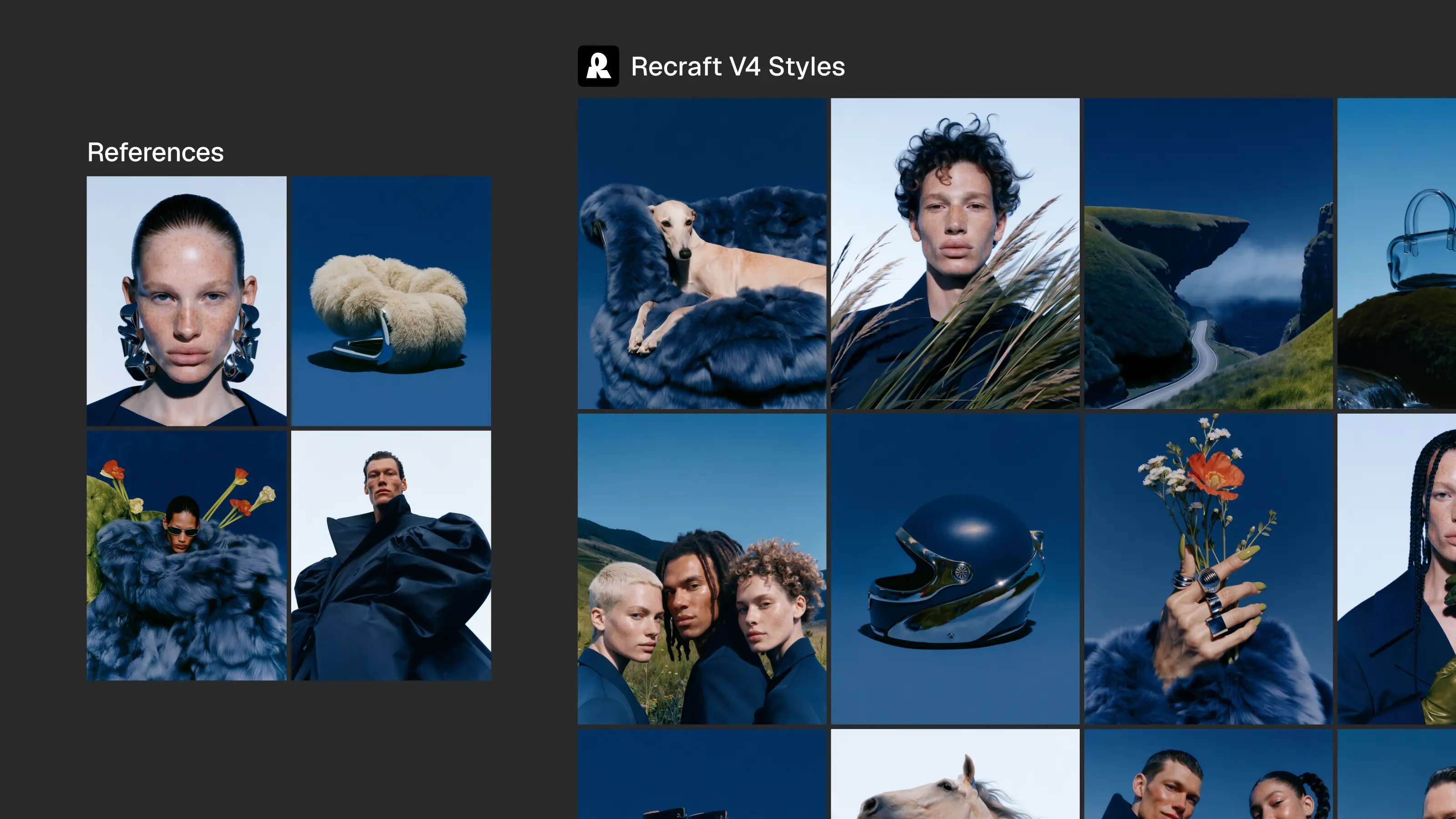
Recraft added Styles to V4. Feed it a reference image, up to 10, and every image you generate afterwards holds onto that same look, whether it's photography, character design, or flat illustration. One reference is enough for consistency, adding more sharpens or widens the range. There are two modes: Precise locks in every detail like rendering technique and lighting, Flexible gives the model more room when mood matters more than an exact match. In blind testing against 7 other models, evaluators preferred V4 Styles matches 92% of the time.
Pen.dev
Documents will now autosave, and Import from Browser got fixed, including for Framer websites. There's also a new File > Export Snapshot option that exports a zip with your .pen file and all its dependencies like images and shaders. Also new: Measurements. Select an element, hold Alt/Option, and hover over other elements to see the distance.
Building without VC: George Hastings on Unicorn Studio
George Hastings is the solo founder of Unicorn Studio, the no-code tool that turned WebGL and shaders into something designers can actually play with. He built it alone, no VC money, after years at IDEO and AREA17. This conversation goes deep into deterministic design versus stochastic AI design, and his advice for designers who want to build their own tools.