Design Thursday #116
A weekly recap of everything you need to know about tools, events, guidelines and design in general.


Claude gets a /design command
Claude Code now has an early preview of a /design command that brings Claude Design's artboard workflow straight into the CLI and Desktop app. Ask it to design a few options for a feature before you start building, and it generates a set of editable artboards. Pick the one you like, tweak it, then have Claude implement it directly. It's still a research preview, so expect it to change quickly.
Figma
Balance and Pretty text wrap
Figma added text wrap options that make your text more responsive: Balance and Pretty. You can set either on a text layer, a text style, or a single paragraph. Balance spreads text evenly across all lines, while Pretty makes sure you never end up with one lonely word stranded on the last line.
Discover and create skills for the Figma agent
Figma added a few new ways to work with skills for its agent. You can now browse 50+ skills for different design workflows, from research to handoff, in the AI skills library on Figma Community. You can also ask the agent to turn a repeatable workflow from your file into its own skill, invoked with a "/" from then on. And once you've built one you like, you can publish it to the Community for others to try or remix.
Rive
Rive shipped a massive update this week. Here are the highlights:
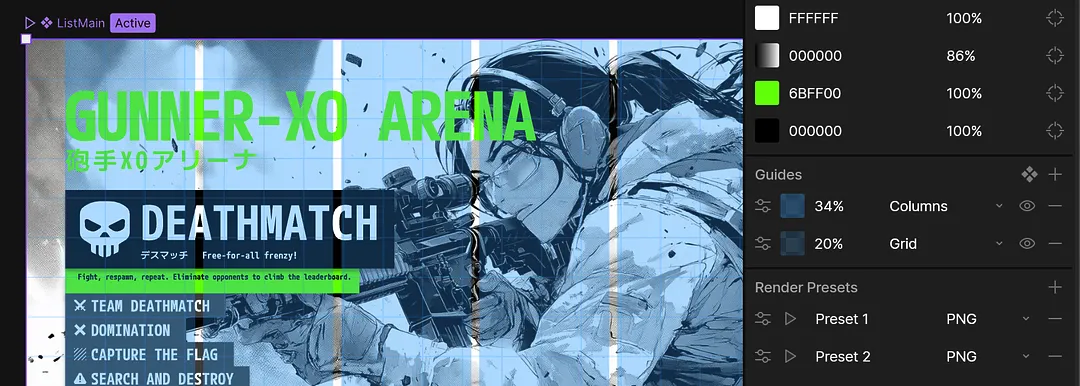
- Guides and Guide Components: add grid, column, or row guides to any artboard, and save a set as a reusable component you can apply anywhere. One guide component works across artboards of different sizes, and editing it updates every artboard using it.
- Speed Graph: a second mode for the Graph Editor that plots how fast a property is moving instead of its value, so you can shape motion more precisely.
- Multi-select tangent handles: select multiple tangent handles in the Graph Editor and drag them together, or type an exact speed and ease for the whole group.
- Transformable layouts: layouts can now rotate, scale, and take an origin like any other object, with proper support for transform and scale constraints.
- Rive now renders on its own thread, which fixes an Android performance regression and OpenGL context issues, and unlocks GPU Canvas at runtime.
- AI Agent / MCP updates: the agent can now import SVGs as editable shapes, add and read trim path effects, edit or delete transition conditions, and export files straight to disk.
On top of that there's a long list of smaller fixes across scripting, rendering performance, and stability.
Webflow
Drag to reorder multi-reference CMS items
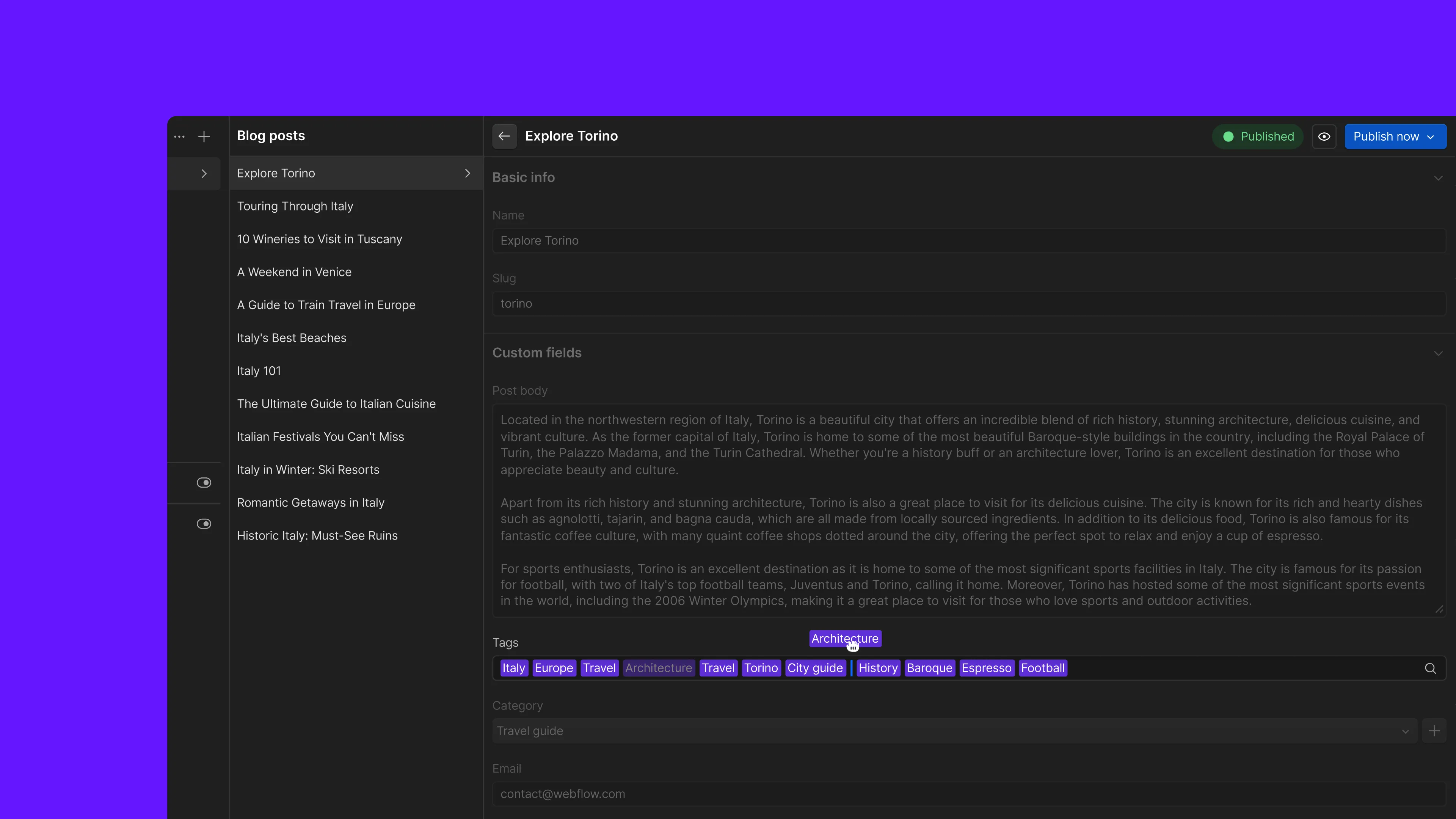
You can now drag to reorder items in multi-reference CMS fields, like changing the order of authors on a blog post. Before this, the only way to reorder was deleting every option and re-adding them one by one. It's fully keyboard accessible too: arrow keys to navigate, spacebar to grab an item, arrows to move it, spacebar to drop it.
Hide components from the Marketer role
Designers can now hide specific components from teammates with the Marketer role, so clients and marketers only see what's relevant to them. Hidden components won't show up in the Add panel for that role, and the setting travels with the component if it's part of a shared library. There's also a shortcut to hide a whole group of components at once.

Jitter
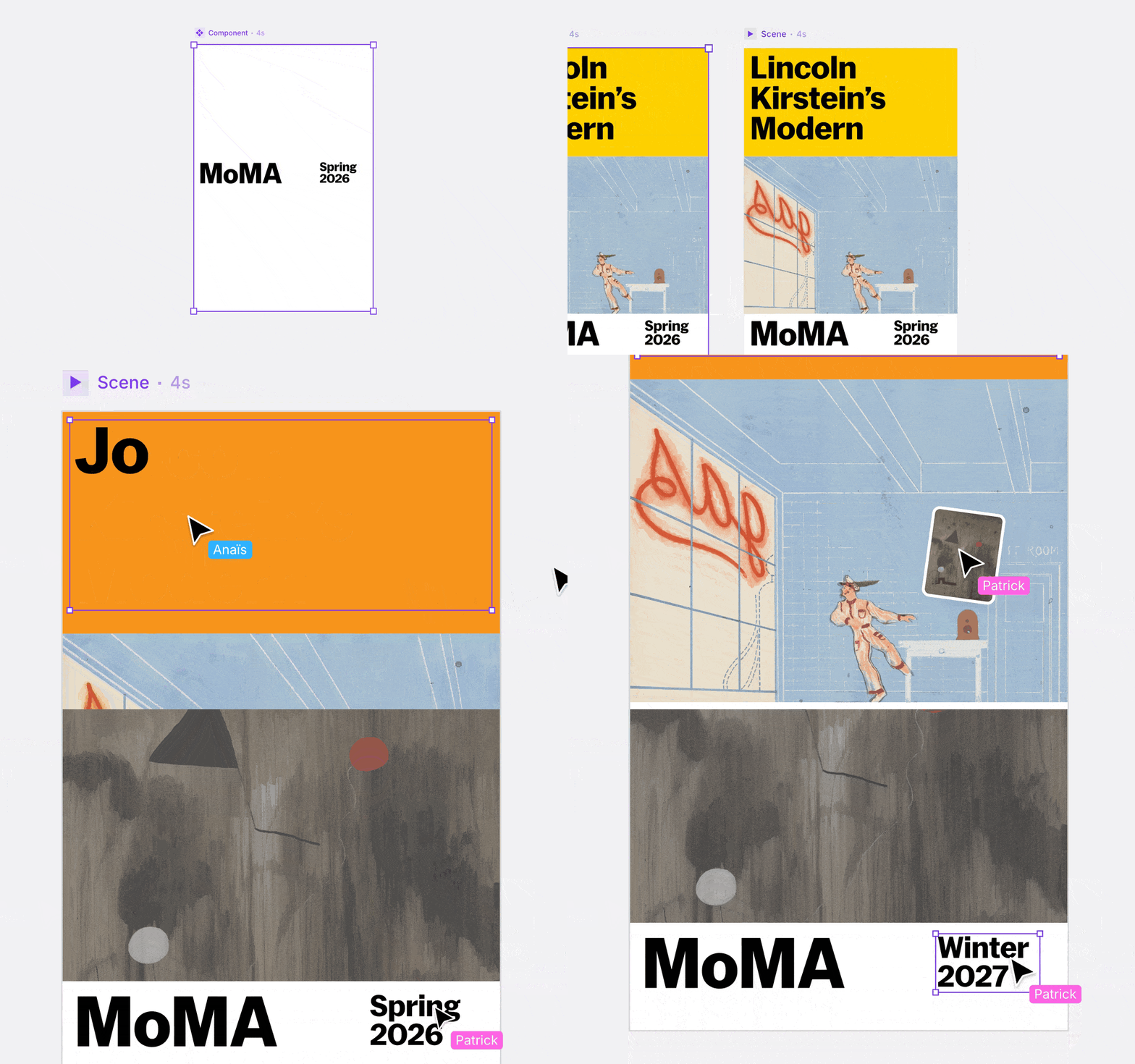
Components in Jitter just got more flexible with overrides. You can now select part of an instance and edit it directly, like swapping an asset or changing a color, without breaking its connection to the component. That edit becomes an override on just that instance, while the rest stay in sync, and you can reset it back with one click from the layer list.
Apple's new EU App Store terms
Apple announced updated business terms for apps in the EU, following talks with the European Commission. Every developer distributing apps in the EU moves to one set of terms starting October 1st. The Core Technology Fee is being replaced by a flat 5% Core Technology Commission, and developers can finally offer Apple's in-app purchase alongside alternative payment options in the same app.
Susan Kare on designing the original Macintosh
Susan Kare joined Apple as an art history graduate who barely knew anything about computers, and ended up designing the icons, fonts, and symbols that made the Macintosh feel human. In this talk at Startup School, she walks through the stories behind the Happy Mac, the Command key symbol, and the Chicago font, plus the lessons she picked up from Steve Jobs and Paul Rand along the way.
Building a custom prototyping playground
This week's Dive Club episode is with Patrick Morgan, who walks through the internal prototyping environment he built for his team at Sublime Security. What started as a way to keep his team's prototypes organized turned into a full AI powered design tool, complete with a canvas, its own agent rules, and a handoff flow built for coding agents. A great watch if you're thinking about building your own internal tools.