Design Thursday #110
A weekly recap of everything you need to know about tools, events, guidelines and design in general.


Figma
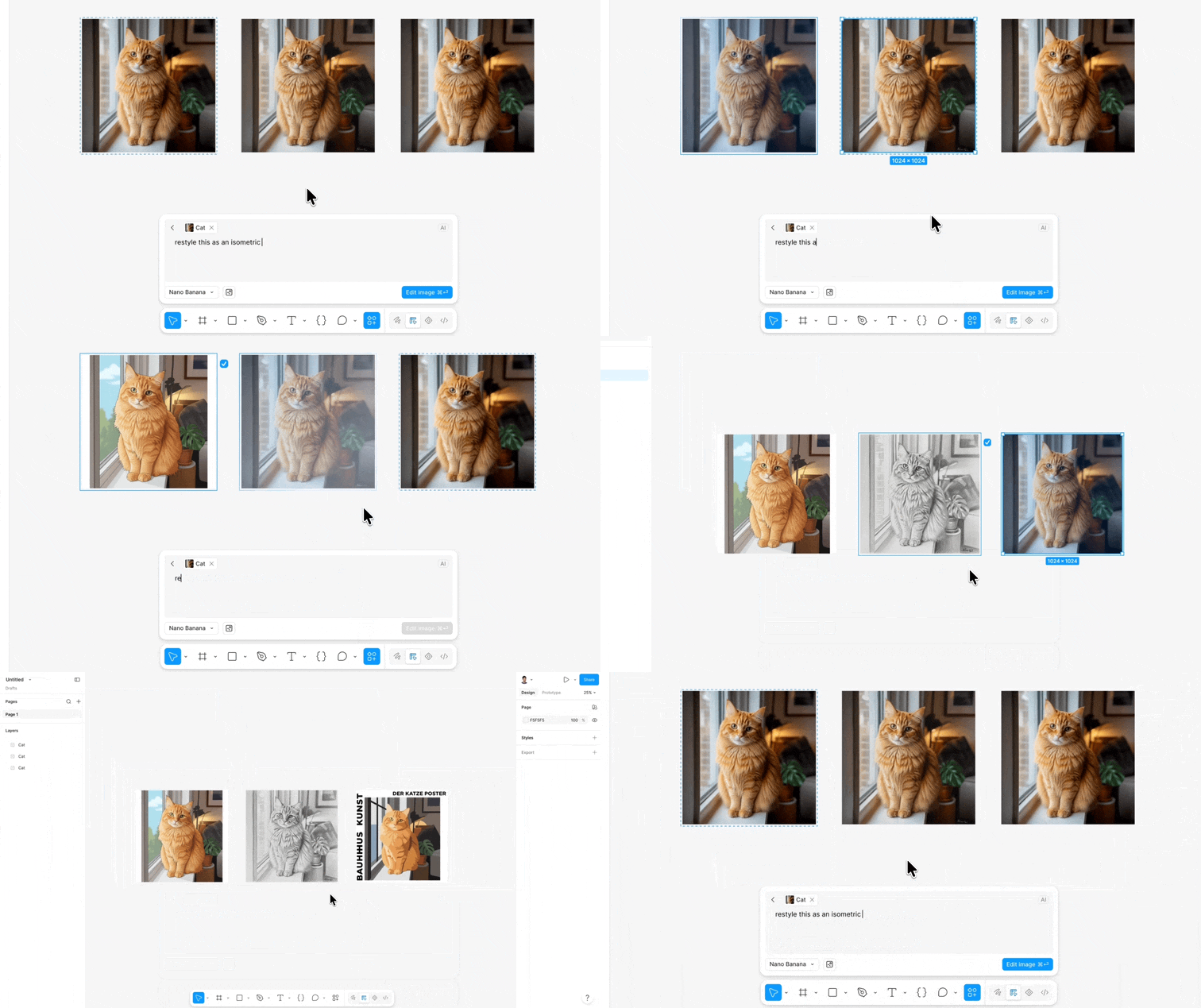
Run multiple AI image edits at once
No more waiting for one edit to finish before starting the next. You can now generate multiple AI image edits at the same time from the tool bar and keep designing while they load.
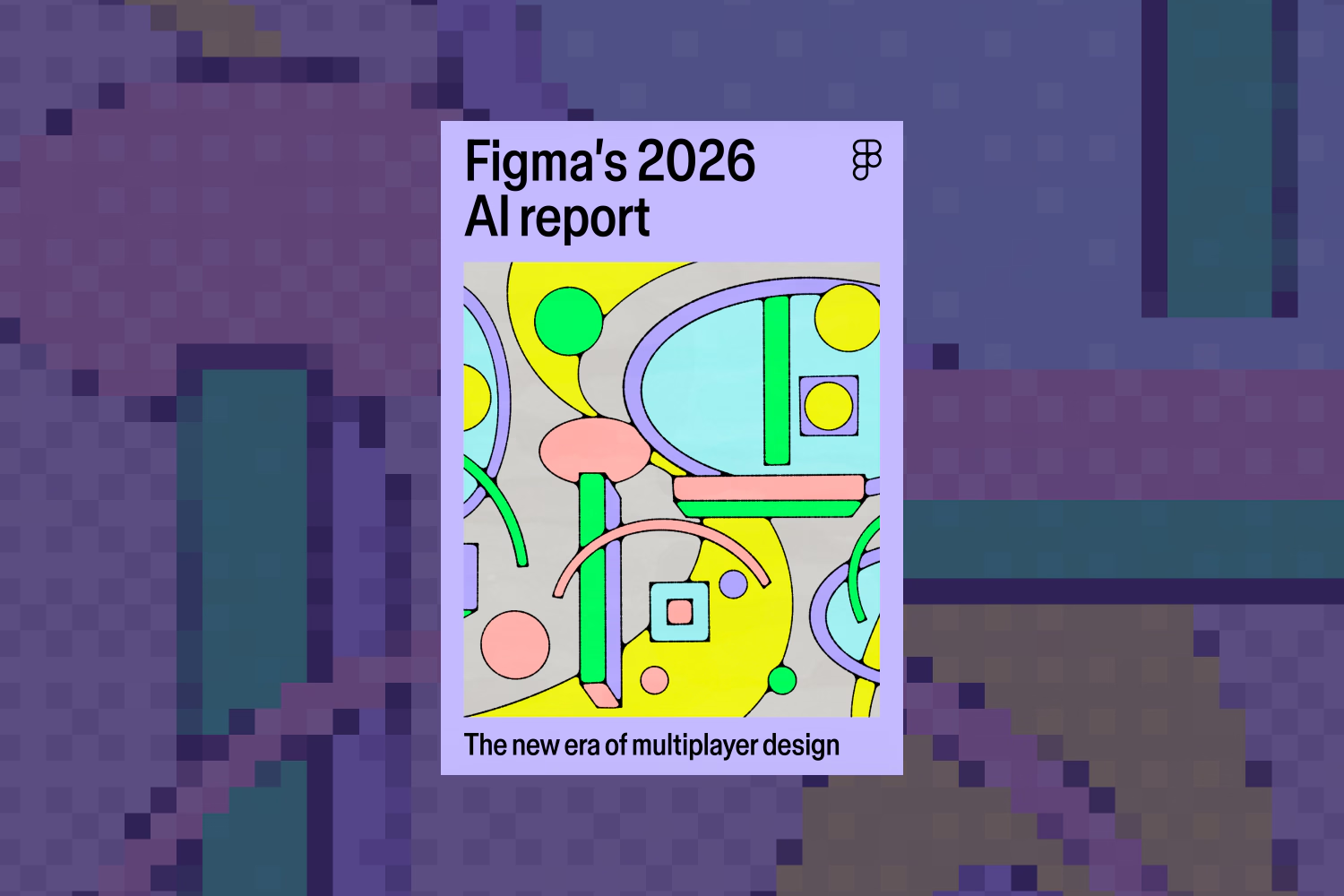
Figma's 2026 AI report
Figma's 2026 AI survey is out, and this year the story isn't about personal productivity anymore, it's about how AI is changing team collaboration. Developers are doing more design work, designers are shipping more code, and the canvas has become the place where all of that comes together. The report also breaks adoption down into four distinct patterns, from companies moving fast together to ones where individuals are way ahead of their org.
Framer
Interactive shaders
Framer is bringing interactive shaders, starting with the Ripple Shader. It distorts images with smooth, water-like ripples that follow your cursor, and you can customize the size, intensity, and motion however you like. What makes it stand out is the spring-based cursor tracking, blending that familiar Framer motion feel with WebGL shaders.
Design Page Folders
Design Pages now support folders, so you can group explorations, drafts, and experiments together instead of letting your sidebar turn into a mess. Handy for keeping assets, social images, favicons, and mocks organized alongside your actual site work.

Rive
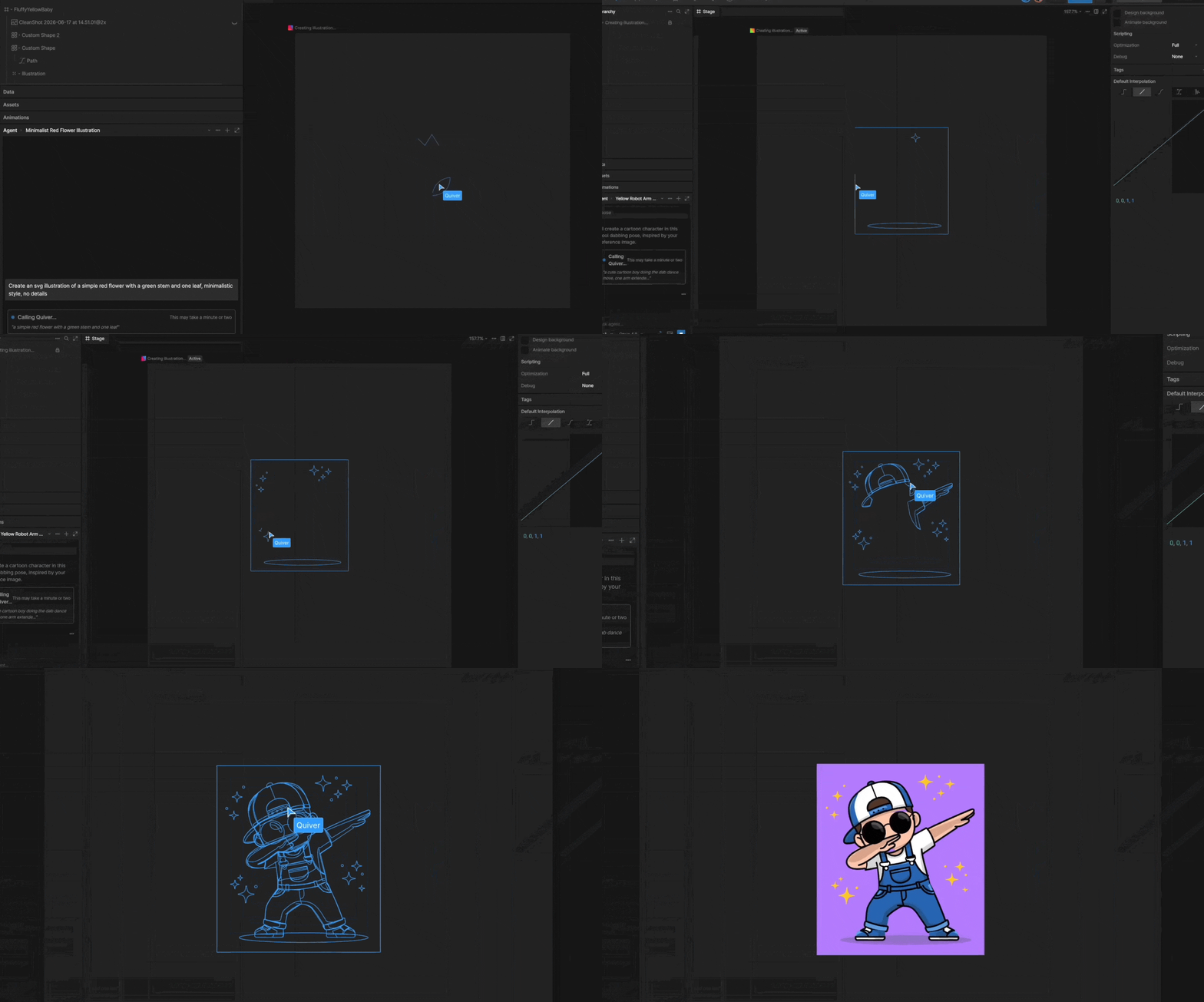
The Agent now supports QuiverAI illustrations on Voyager plans, images can be scaled inside a layout even after they've been positioned (similar to transforms in CSS), and you can now override visibility on children of a hidden parent. On top of that, you can duplicate multiple folders, timelines, and listeners at once.
Webflow
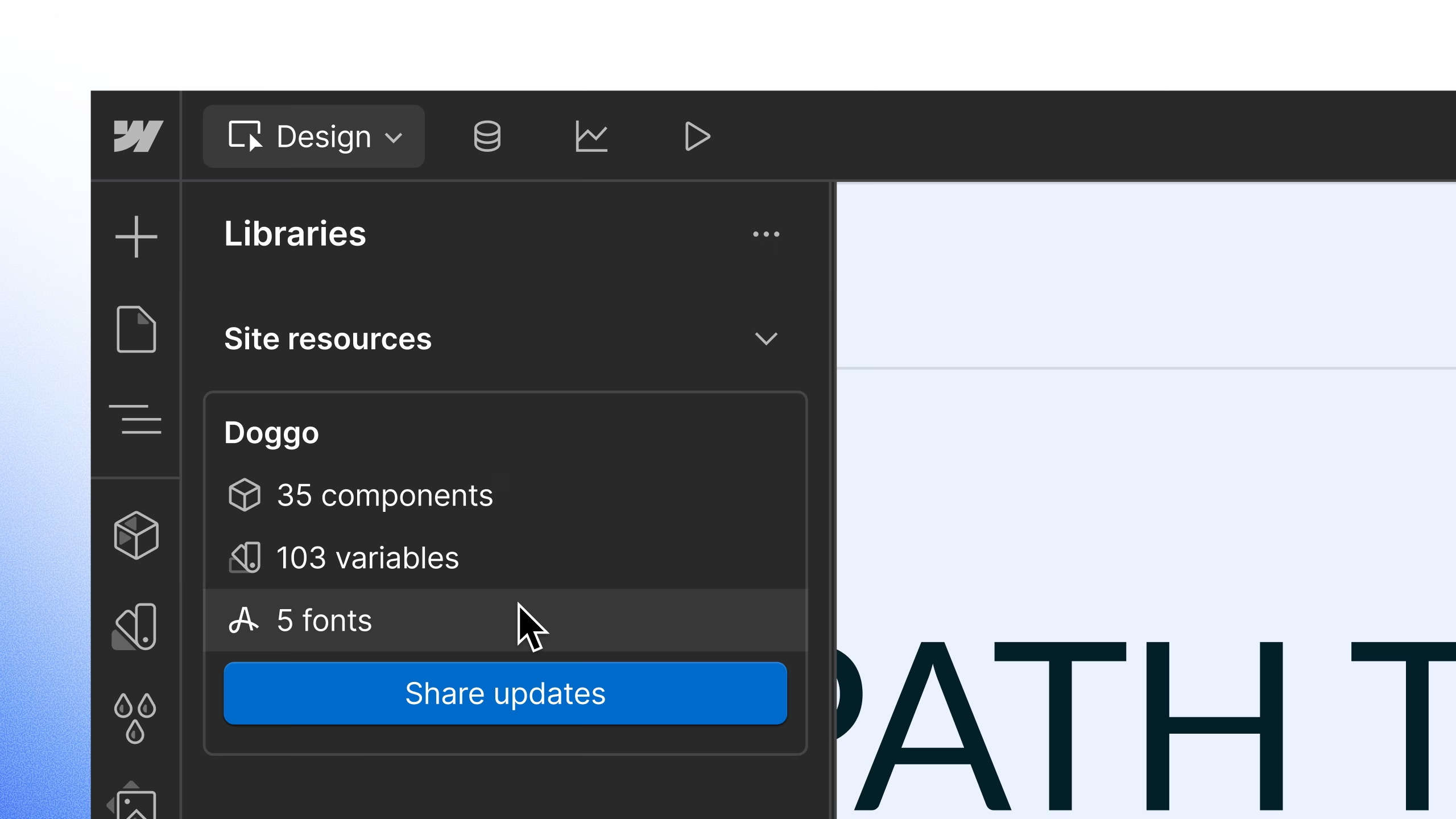
Custom Fonts in Libraries
Fonts can now be included within your Libraries, right alongside components and variables. Previously fonts referenced in tag-level styles wouldn't carry over when you shared a Library, and there was no way to even see what fonts a Library included. Now Google Fonts, custom uploads, and Adobe Fonts move automatically when you share, install, or update a Library, and updates clearly show which fonts were added, removed, or changed.
CMS Collection Field Grouping
You can now organize CMS collection fields into named groups instead of one long scroll of SEO metadata, editorial content, and publishing controls all mixed together. Groups show up in the Data Manager too, so content editors see the same structure you set up instead of a wall of inputs. You can add descriptions for context, and it's all accessible through the CMS Data API as well.

Jitter
Jitter added a new Effects panel so you can apply shaders like distortion, 3D flips, dithering, and fluted glass in a single click. Select a layer, head to the Animate tab, browse effects by category, or use the AI effect option to generate something custom from a prompt.

Stark
Stark got a great set of updates this week:
- MCP write support: you can now ask your AI to create Figma, URL, or code assets directly through Stark's MCP server, on top of the existing read-only team and compliance views
- Governance features: teams can now disable specific tools so people only see what's relevant to their role, like leaving alt text to the content team
- Contrast upgrades: the Contrast tool now checks graphic elements and form outlines too, automatically switching ratios depending on what you've selected
LottieFiles Creator
A handful of new features landed in Creator recently:
- Native Graph Editor: no longer a plugin, it now lives right in Creator with built-in easing and curve control on the timeline
- Figma Motion Support (beta): converts Figma motion keyframes directly into Lottie, covering presets, transforms, opacity, and fill and stroke color
- Motion Tokens: reusable, named motion values from Figma Variables that stay editable after export, useful for color themes or global text values
- Native Paste: paste images and Figma content straight onto the canvas, no manual import needed

Midjourney
V8.1's draft mode just got easier to explore. Add the random style ref tag to your draft-mode prompt and Midjourney generates 24 images across different styles in one go. Turn on draft mode with the lightning icon in the prompt bar or by adding the draft flag to your prompt.

Safari MCP server for web developers
Apple introduced an MCP server for Safari Technology Preview, giving your coding agent direct access to a Safari browser window. Instead of describing what's broken in the console yourself, your agent can check the DOM, network requests, screenshots, and console output on its own. It's useful for cross-browser testing, performance analysis, and catching accessibility issues like missing labels or poor contrast, all without hopping between windows. It runs locally and doesn't send anything to Apple, so what happens with that data depends on the agent you connect it to.
Read more about the Safari MCP server
New in Paper
Paper published a change log video, recapping everything shipped over May and June. Most of it we've already covered here, but a few things are worth flagging if you missed them: nested folders for organizing team files, cursor chat for quick in-file messages, agent-created files through new MCP tool calls, and full-page snapshots with a single keyboard shortcut.
Dive Club episodes
Meng To on Codex superpowers for designers
Meng To has fully moved his workflow to Codex, and this episode goes deep into how. He talks about writing zero percent of his own code now, his approach to design.md and agents.md files, using GPT Image 2 to brainstorm UI, and how his process has changed over the last year and a half.
Meaghan Choi on designing Claude Code
Meaghan Choi, design lead for Claude Code at Anthropic, breaks down what it's actually like designing for a CLI, how she uses Artifacts, and why she thinks designers need to get comfortable letting go of polish sometimes. She also gets into Claude Tag, the org-wide version of Claude that's reshaping how her team ships PRs.