Design Thursday #106
A weekly recap of everything you need to know about tools, events, guidelines and design in general.


Quick Actions in Pencil
Pencil added Quick Actions, which let you select one or more top-level frames and pick an action to iterate on the screen right away. The latest desktop version also adds:
- Opus 4.8
- Support for the Antigravity 2.0 app
- Notarized MCP binaries for the Mac extension
- The latest GPT 5.5 and Gemini models in the Pencil CLI
SVG editing in Paper
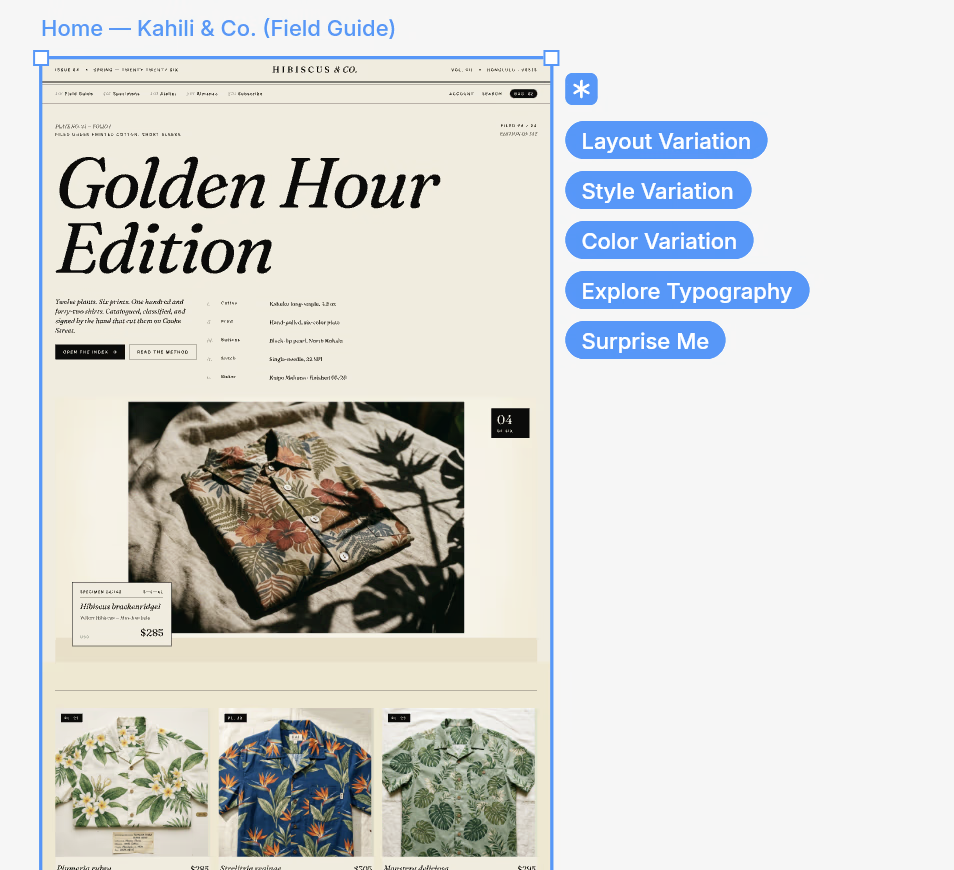
Paper now supports importing, generating, and editing SVGs. For now you can paste SVGs in and edit them, with creating new shapes from scratch coming soon. The roadmap also lists snapping and guides, crop and resize, boolean operations, and further out some interesting ideas like mirroring, repeating, and a shape builder.
Read about vector editing in Paper
Direct downloads in Lottie Creator
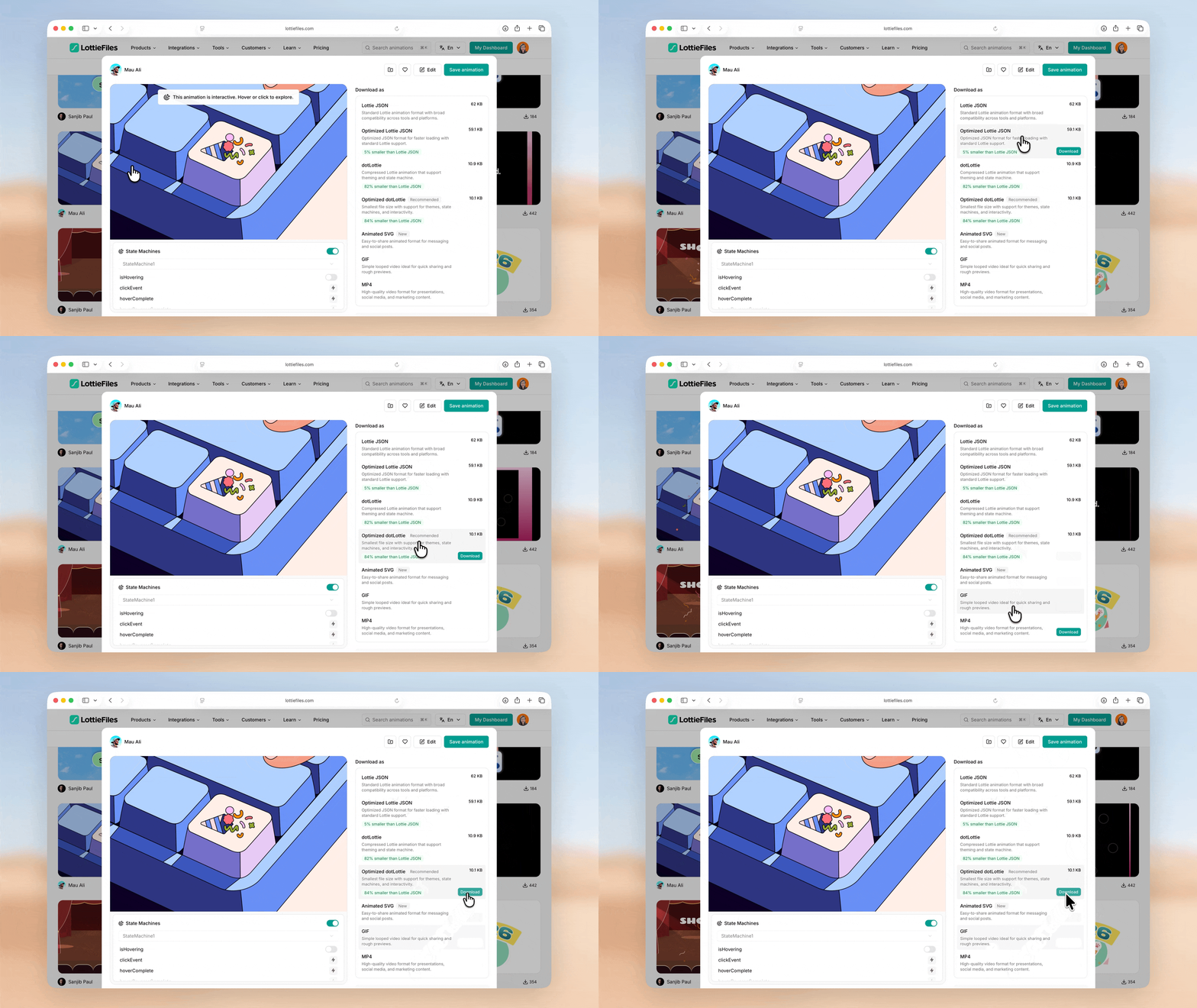
You can now download public animations directly from Lottie Creator, in whatever format fits your workflow:
- Lottie formats: Lottie JSON, dotLottie, and optimized versions that cut file size by up to 81% while keeping theming, state machines, and interactivity.
- Sharing formats: Animated SVG, GIF, or MP4.
- CDN link: serve the animation without downloading anything at all.
Stark updates
Stark shipped a few updates this week:
- Design system suggestions: on your team's Governance page, you can now limit suggestions to just the colors and type defined in your design system, guiding people back to values that pass accessibility standards.
- Easier tickets: bulk creation per criteria, auto-tagging, and the option to define which project new tickets land in.
- Svelte support: now available for the developer integrations, with a linting and compiler pass like the others.
Components in Jitter
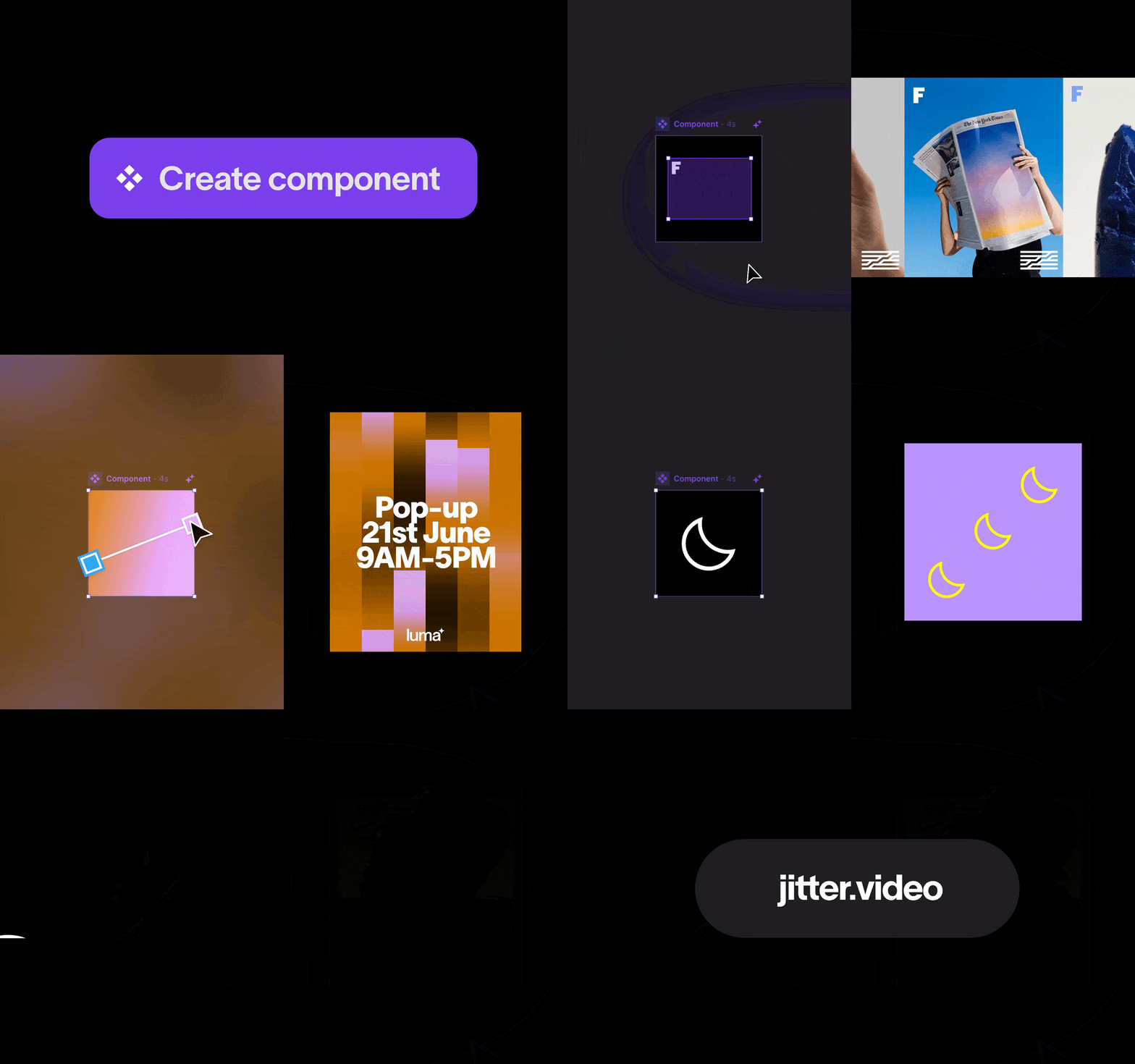
You can now create and reuse components across a Jitter file. Select any element or scene, right-click, hit Create component, then paste it wherever you need it. Edit it once and every instance updates. For now they're file-level, with workspace-wide components coming next.
Plus a few smaller updates: staggered timing across layers from the timeline, drag to adjust values in the inspector, and live font previews on hover.
Deploy apps on Webflow Cloud without a site
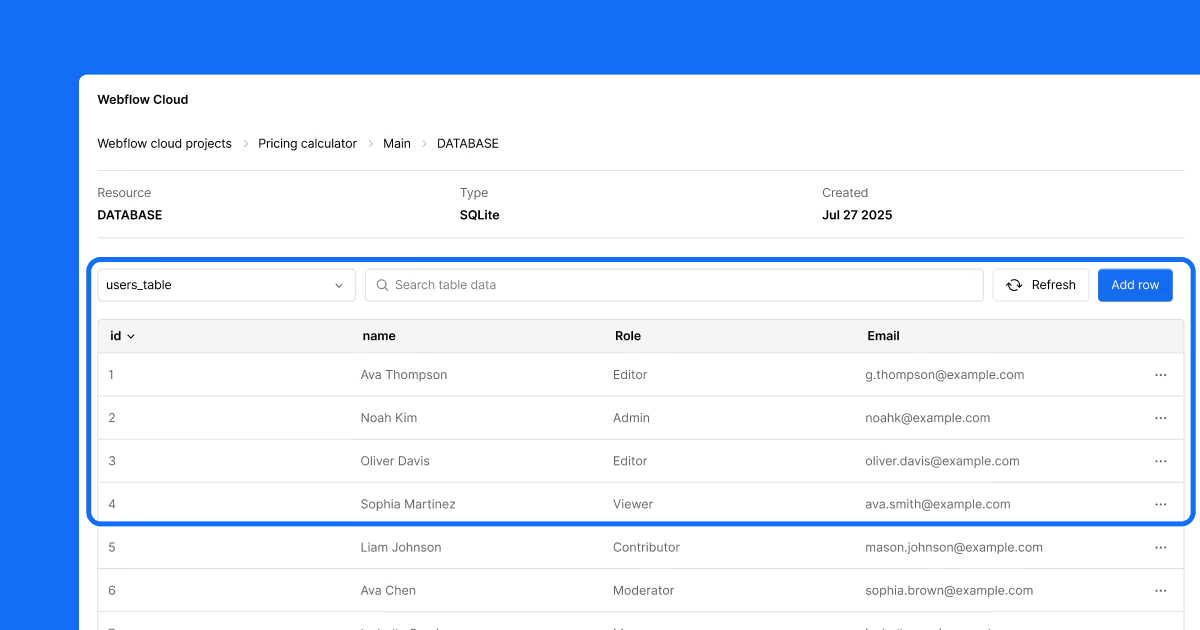
Webflow Cloud now supports app-first deployment. With One Click Deploy and the new App Project Type, you can launch apps straight from a repository, create an app without first creating a site, and host it at the root domain instead of a subpath. Handy if you don't need a marketing page and just want a direct path from repo to production.
New in Figma
Visually edit your codebase with Make
Figma added a closed beta where you can connect Make to your local codebase and edit your actual product. Prompt on specific elements, adjust properties through a Figma panel, or describe changes in chat, and an AI coding agent makes the matching code edits. When it looks right, you commit and open a pull request without ever touching a terminal. It works natively with GitHub, supports Figma MCP so you can paste a frame URL and build with your real design system, and handles setup like installing dependencies and starting a dev server.
More Make updates
A few other additions were added in Figma Make this week:
- Plan mode: an opt-in mode where Make looks at your project, asks a few clarifying questions, and drafts a plan you can edit and approve before anything gets built. Most useful for complex work like multi-section layouts or design imports. Turn it on via the dropdown in the prompt box or the /plan command. It does extra work upfront, so it uses more AI credits, and you'll see an estimate before you commit.
- Web search & fetch: Make can now pull live context from the web mid-build, searching broadly or fetching a specific URL. Tool-call approvals let you review before anything enters your session.
- Queued messages: stack follow-up instructions while Make is still generating. Edit or delete them before they commit, and they'll send automatically once the current build finishes.
Sharper controls for slots
New slot settings let you set guardrails and defaults on any slot:
- Set minimum and maximum layers to control how many items a slot holds
- Only allow preferred instances
- Display an empty slot by default so it's visible on the canvas
- Set fill as default so content fills the space automatically
How to use Figma agent in your workflow
Figma published a walkthrough of how chatting with Figma agent fits into a real design process. It covers exploring multiple directions early on (with your design system connected so outputs use your own components), turning scattered review comments into clear next steps, stress-testing designs against perspectives like a growth-focused PM, and handling busywork like adding realistic content or applying targeted edits across multiple screens at once.
FlutterFlow 7.0
FlutterFlow announced its biggest release yet at FFDC 2026, built around two ideas: building faster and building better.
Build faster
- MCP support to bring your own agent in to navigate, debug, and control your app live.
- Test Pilot, AI-powered QA that turns plain-English intent into automated test coverage.
Build better
- Supabase Edge Functions for server-side logic without leaving FlutterFlow.
- Test Mode upgrades with real-device testing and no more 30-minute limit.
- Smarter AI agents with speech-to-text and translation.
- Custom code finally treated as a first-class citizen, with feature folders and drag-and-drop.
This is AI Creative Direction: Jamey Gannon
State of Play sat down with Jamey Gannon, a creative director teaching designers to direct AI like a creative director. Her core point: it's a direction problem, not a prompt problem. Feeding reference images and mood boards does far more work than writing detailed prompts, since models read a vibe from an image better than from text. She walks through her five-principle framework and makes a strong case that visibility beats raw skill, because if you're remembered, you get chosen.
How Anthropic, Every & Ramp design with AI
Dive Club shared a live panel with Meaghan Choi (design lead for Claude Code and Cowork), Dan Shipper (CEO of Every), and Bradley Ziffer (design engineer at Ramp) on what AI design workflows actually look like inside these teams. A lot of good takes here: get designers into the production codebase rather than a sandbox, get comfortable letting features ship without you, and treat polish as a shared responsibility instead of something that all lands on the designer. They also dig into why leadership needs to be in the tools daily, how pairing and Slack agents help spread learnings, and why core design fundamentals matter more than ever.
Framer 3.0
Framer is teasing the future of designing on June 16 at 10 AM PDT, followed by a 24-hour hackathon. You can watch it live on framer.com or their YouTube channel.